English
Configuration Steps
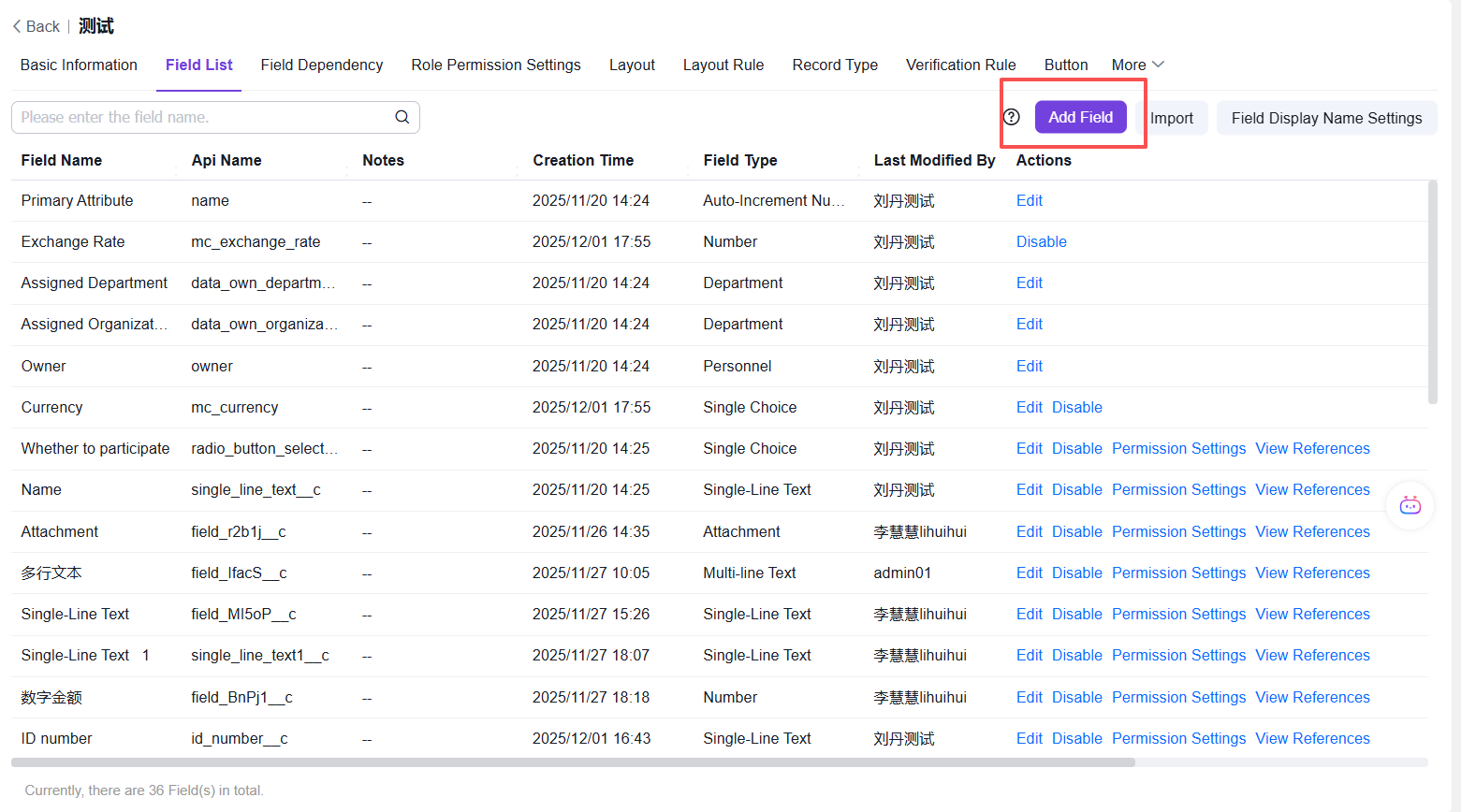
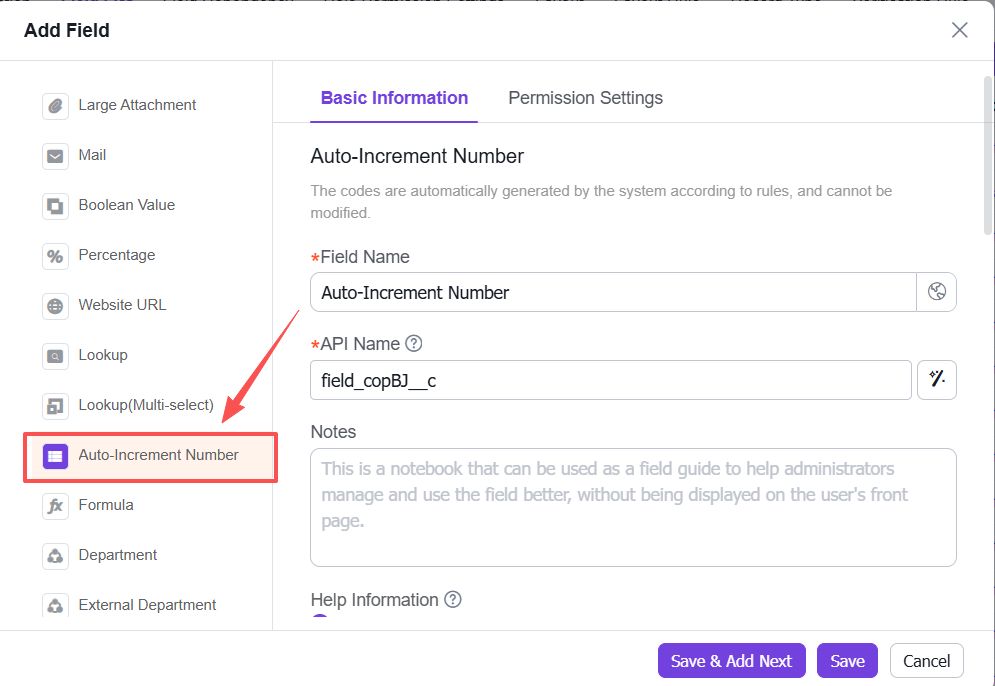
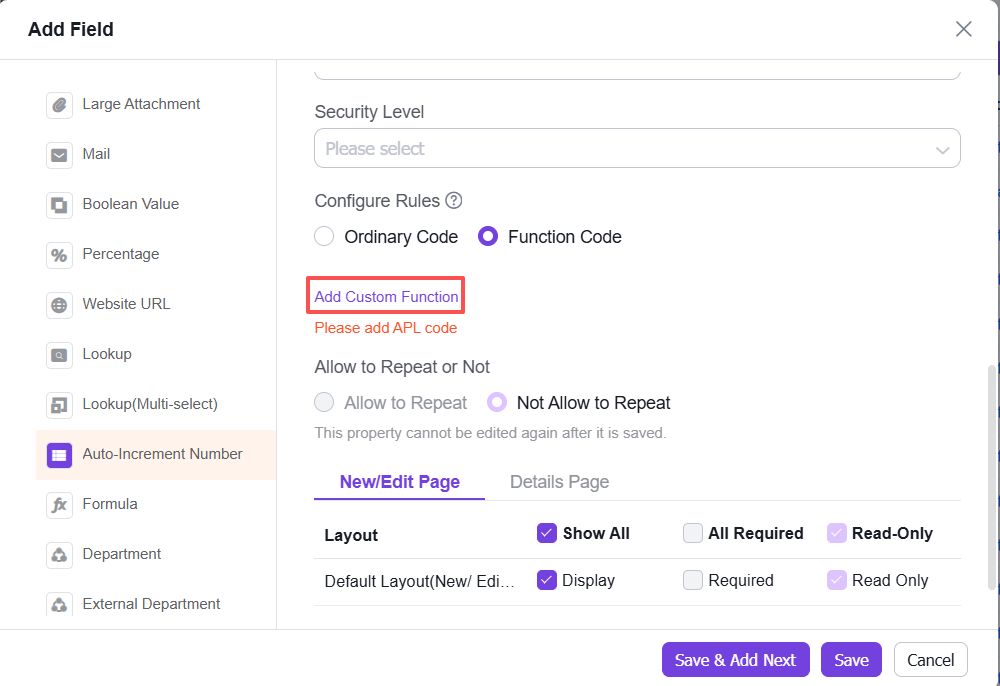
1. Click [Add Field] at the top, then select [Auto-increment Number] from the left panel
2. In the rule settings, choose [Function Code]
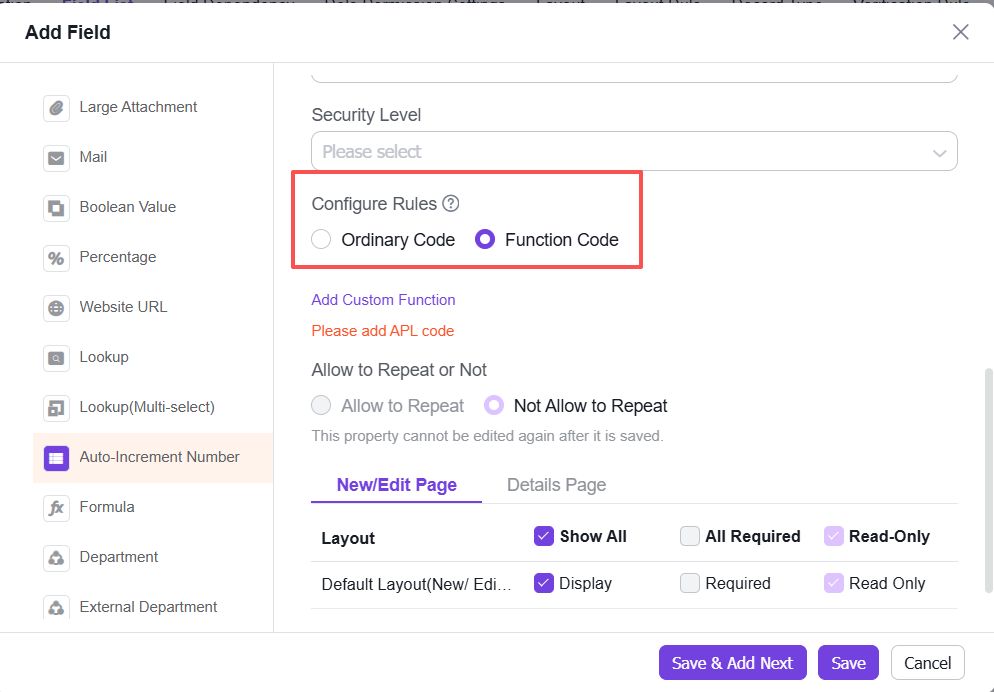
3. Click [Add Custom Function]
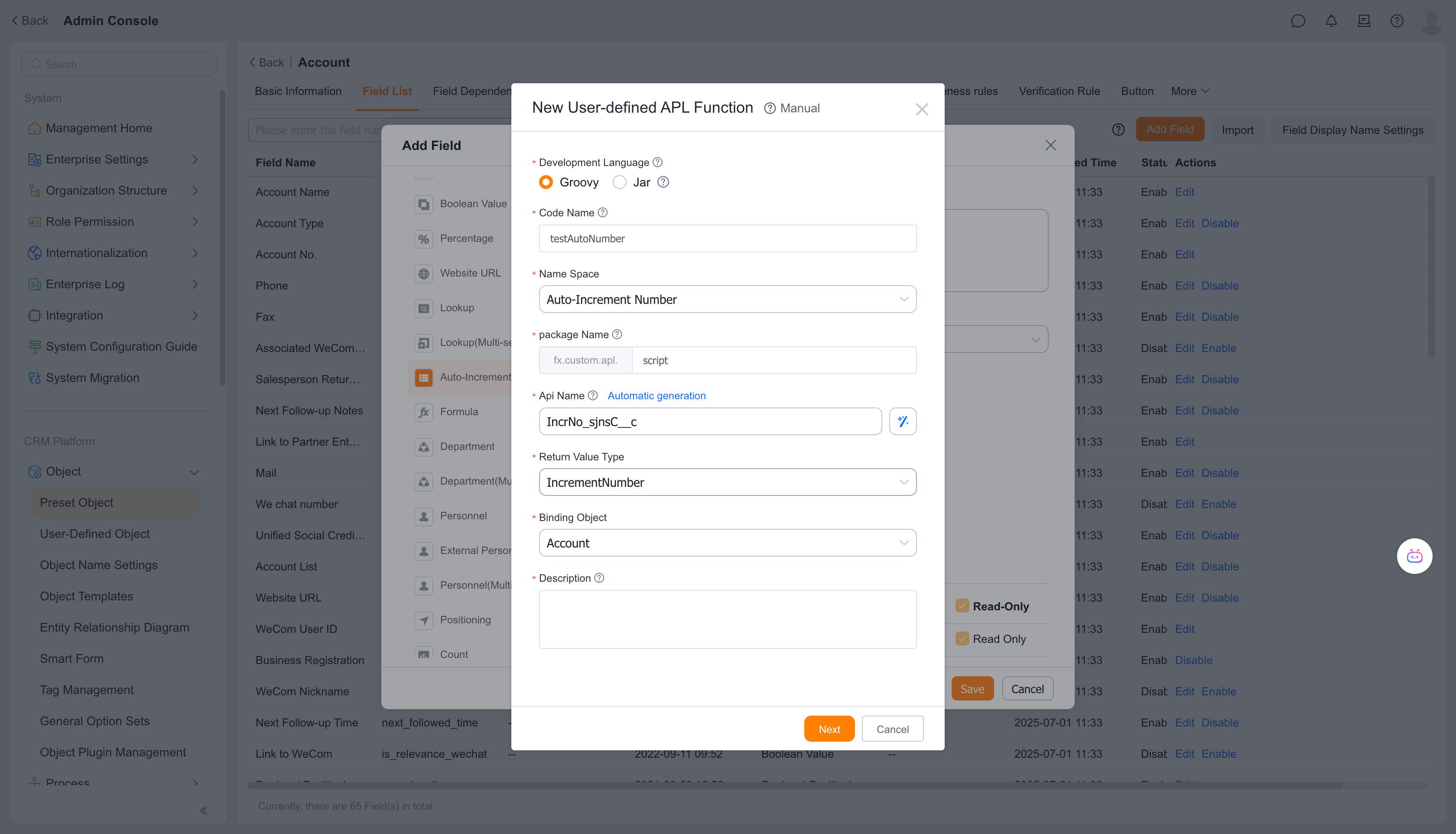
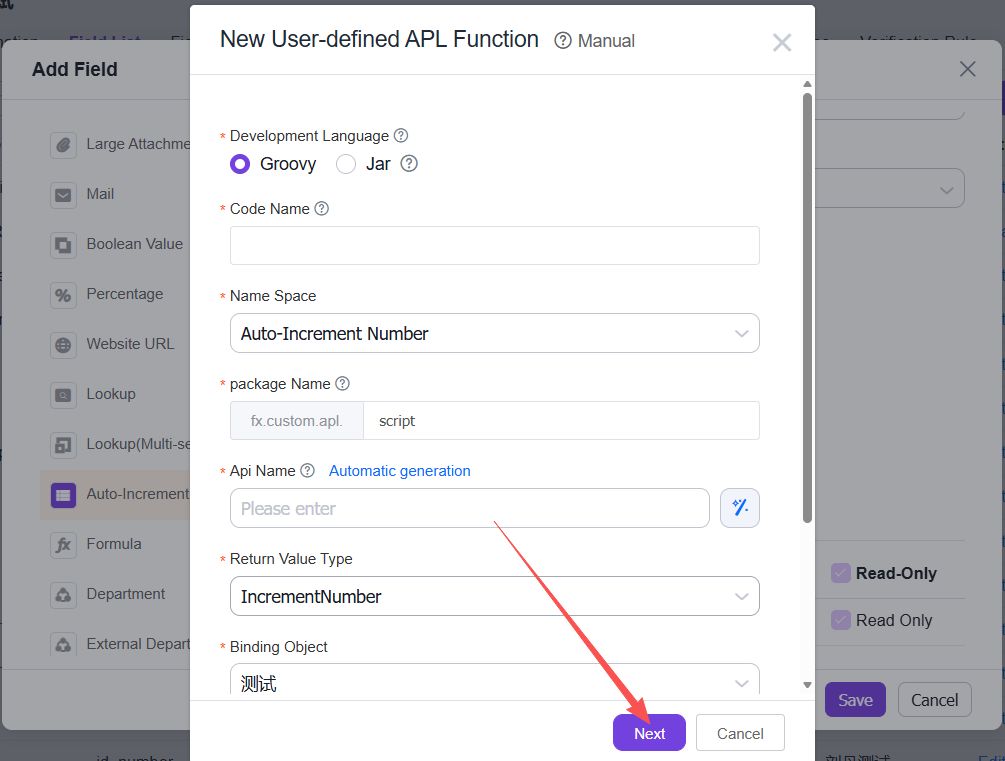
4. Configure the auto-increment numbering rules by adding a custom function, then click [Next]
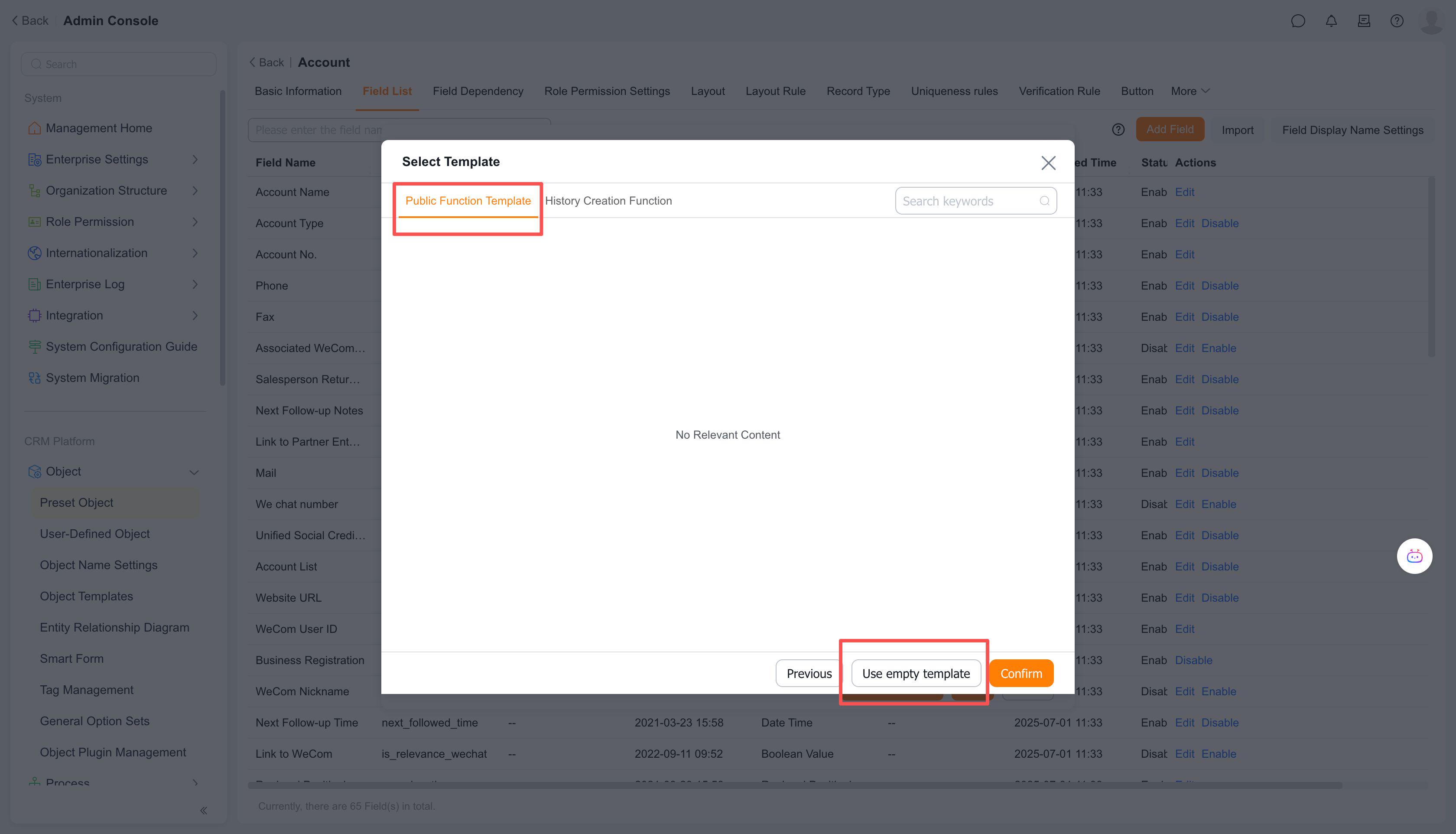
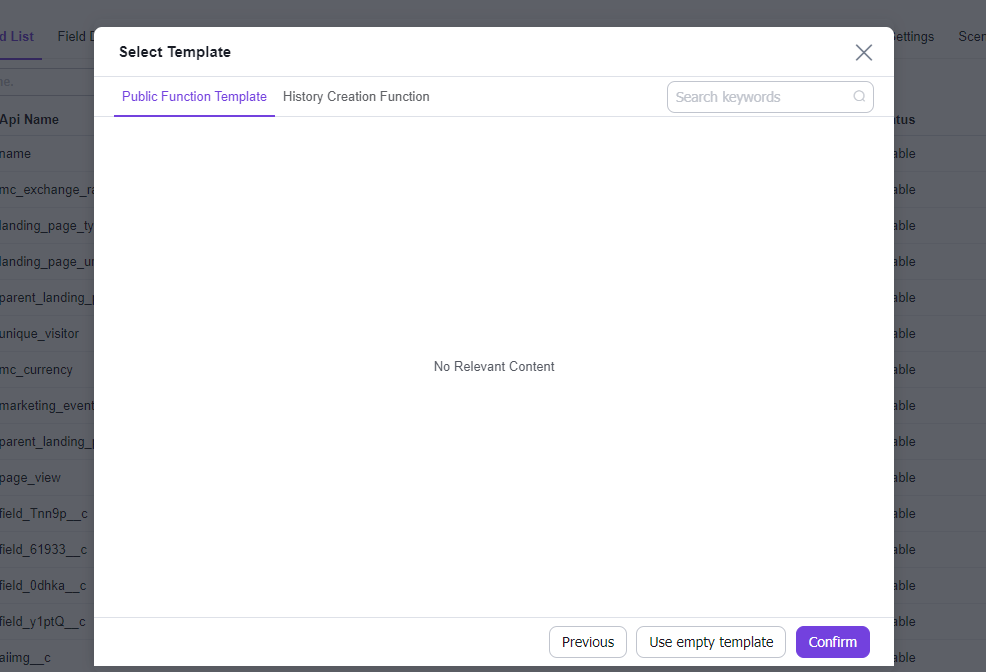
5. Select a template - either use a predefined template or start with an empty template, then click [Confirm]
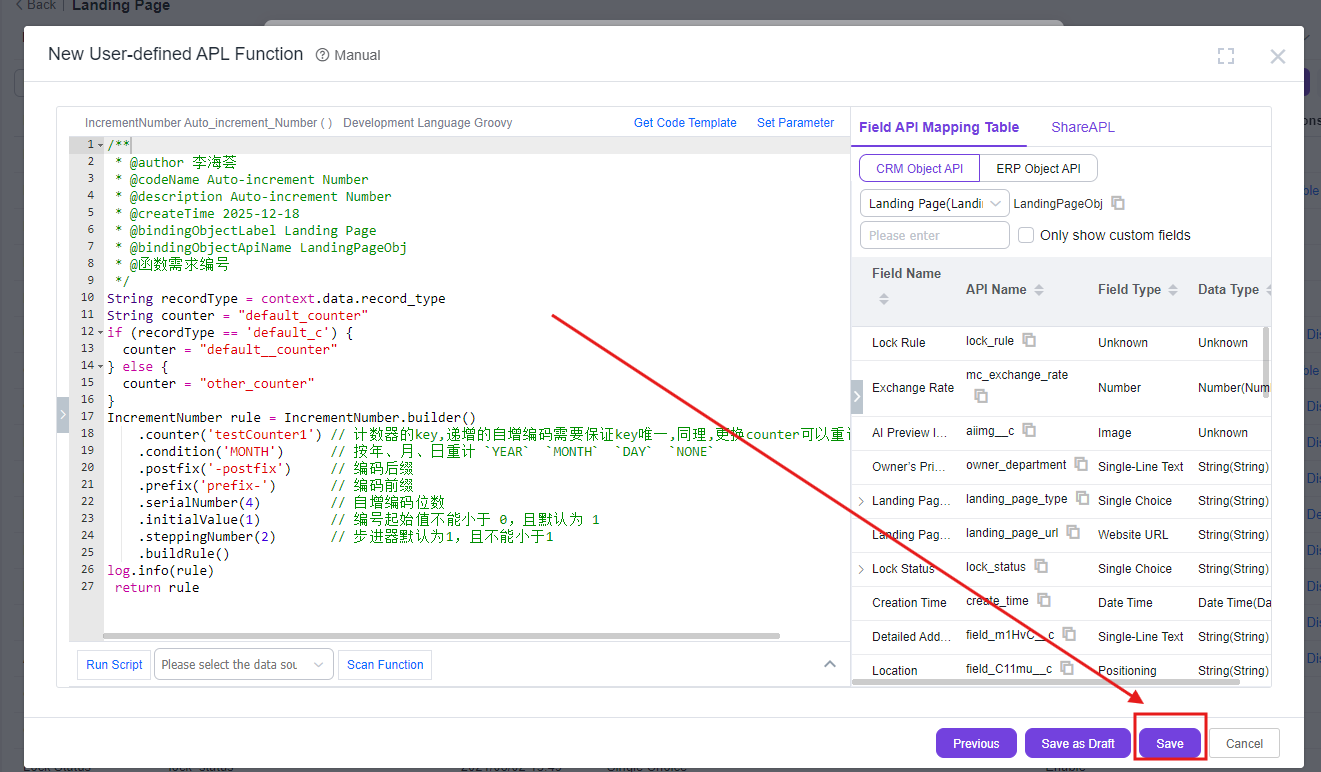
6. Click [Save] to complete the function creation