English
Configuration Steps
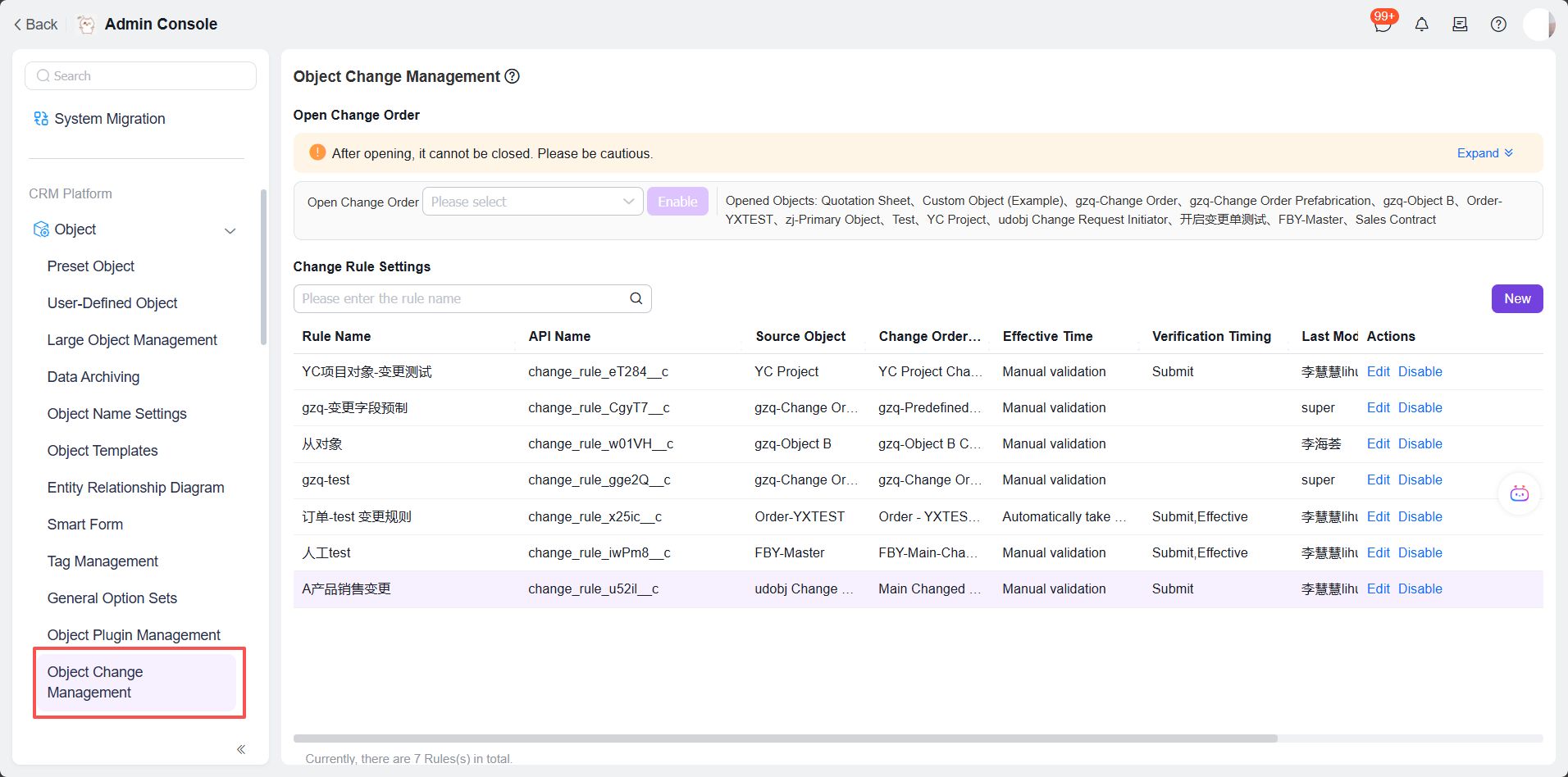
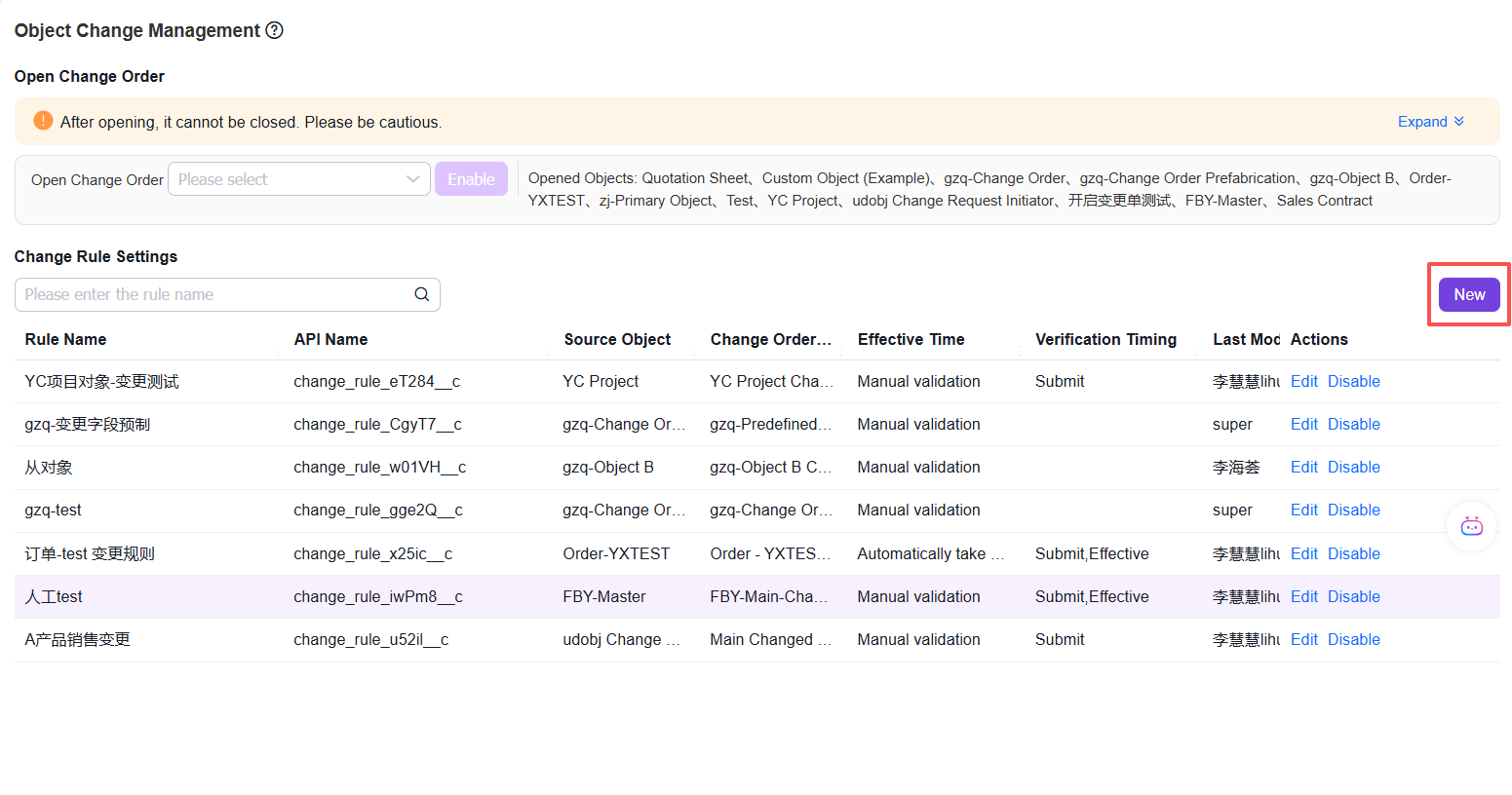
1. Click the [Object Change Management] menu - Click the [New] button on the right to add a change rule
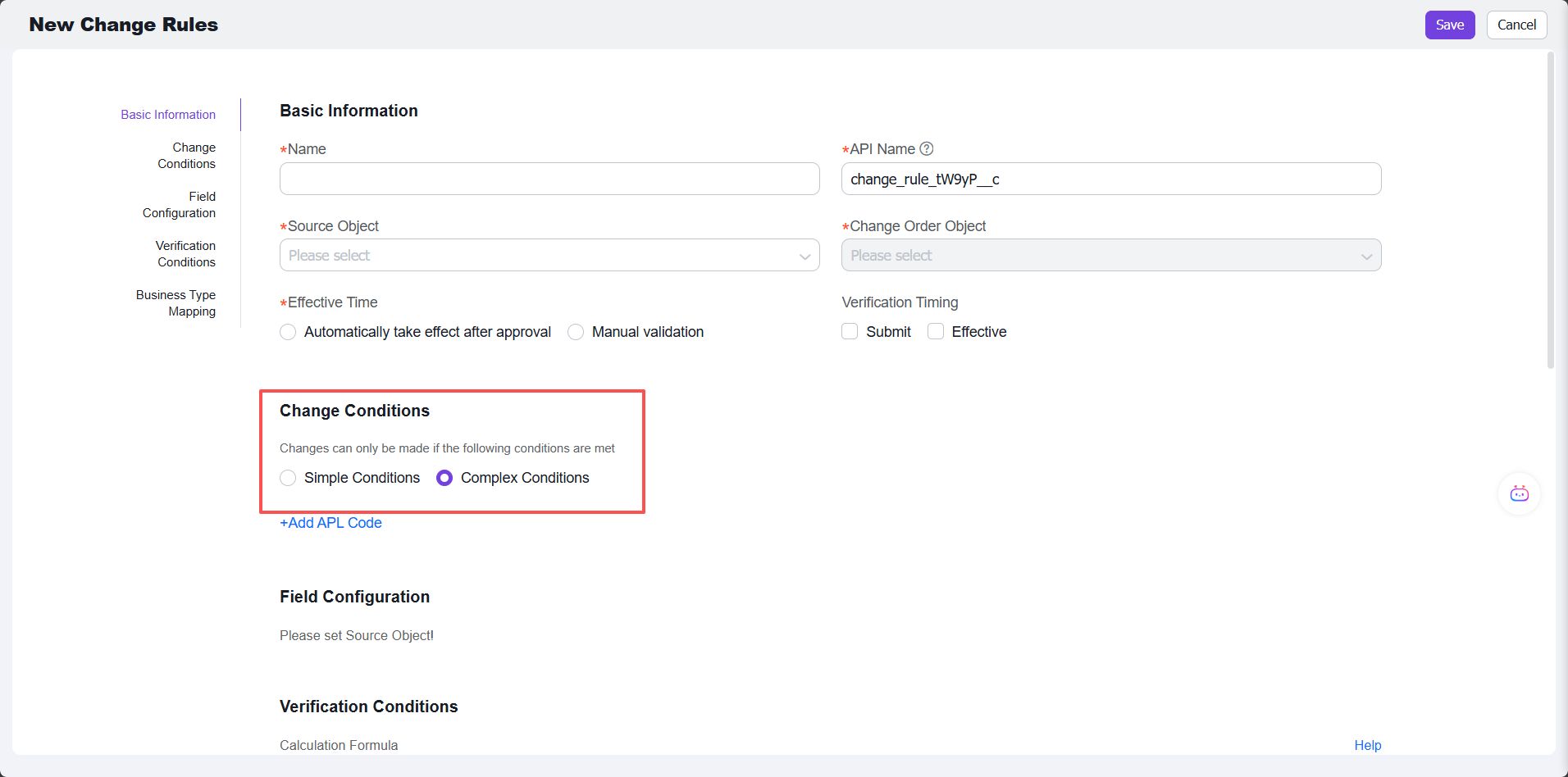
2. In the change conditions, select [Complex Condition], then click [Add APL Code]
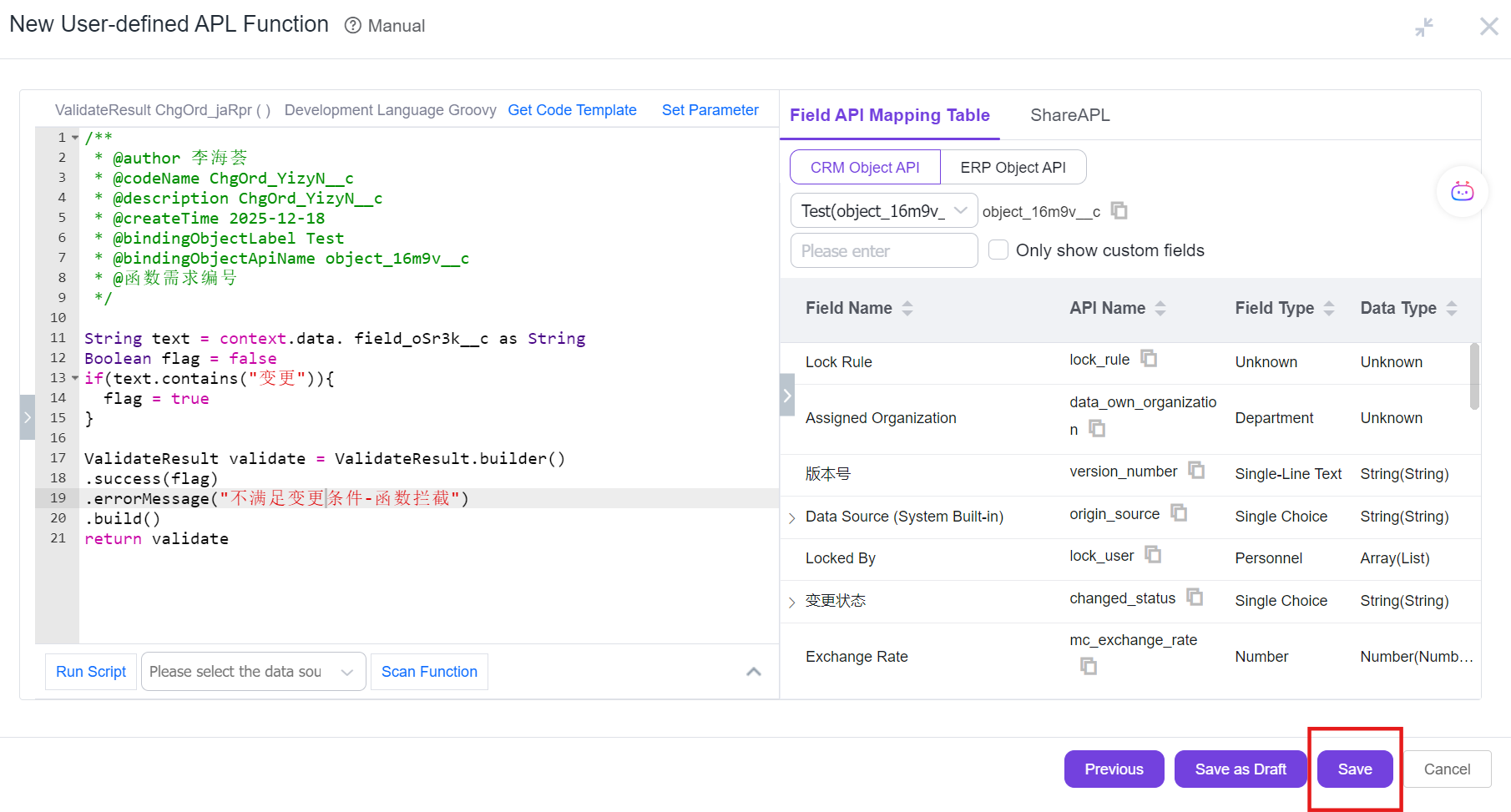
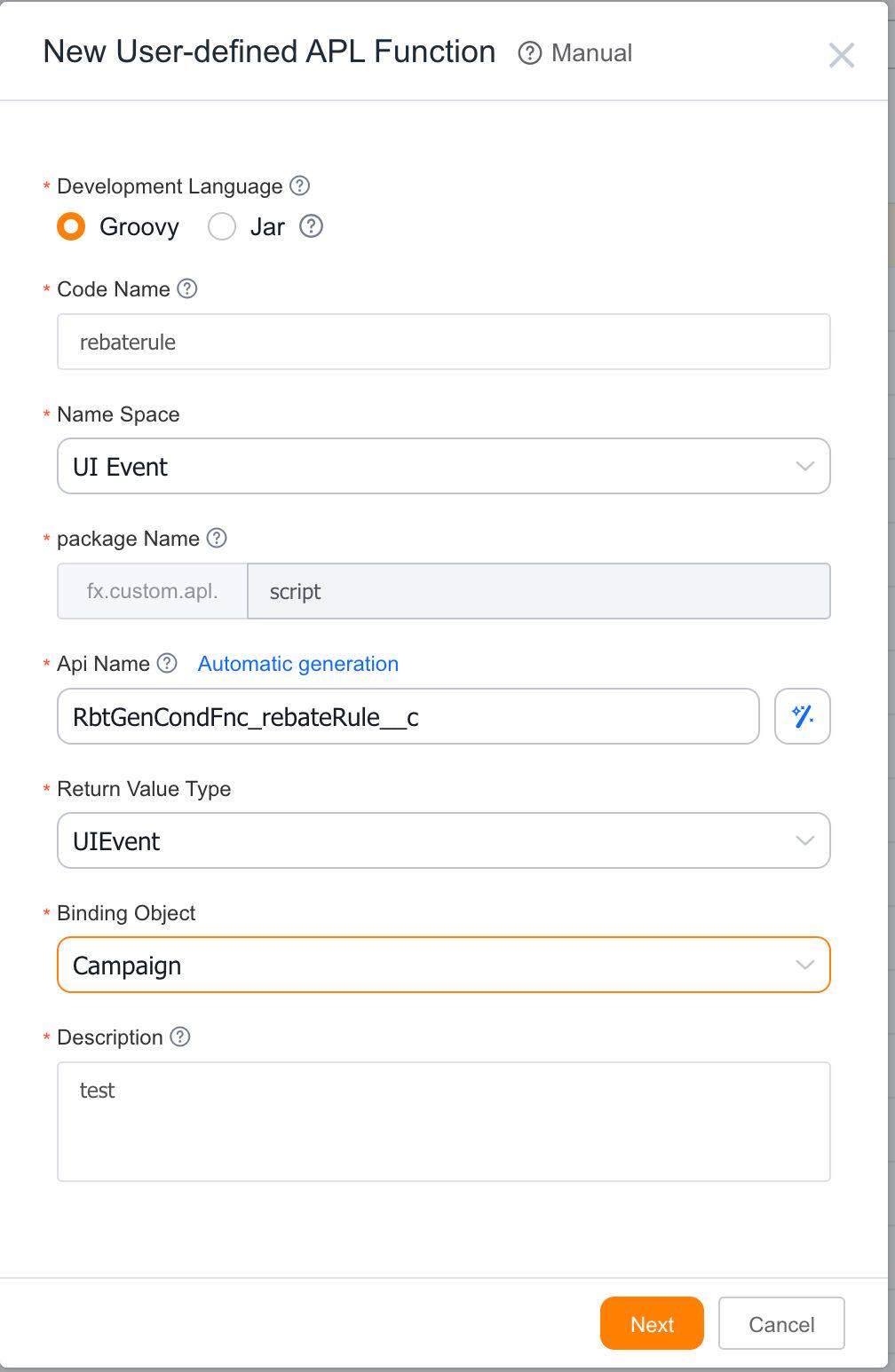
3. Add a custom APL function and configure it, then click [Next]
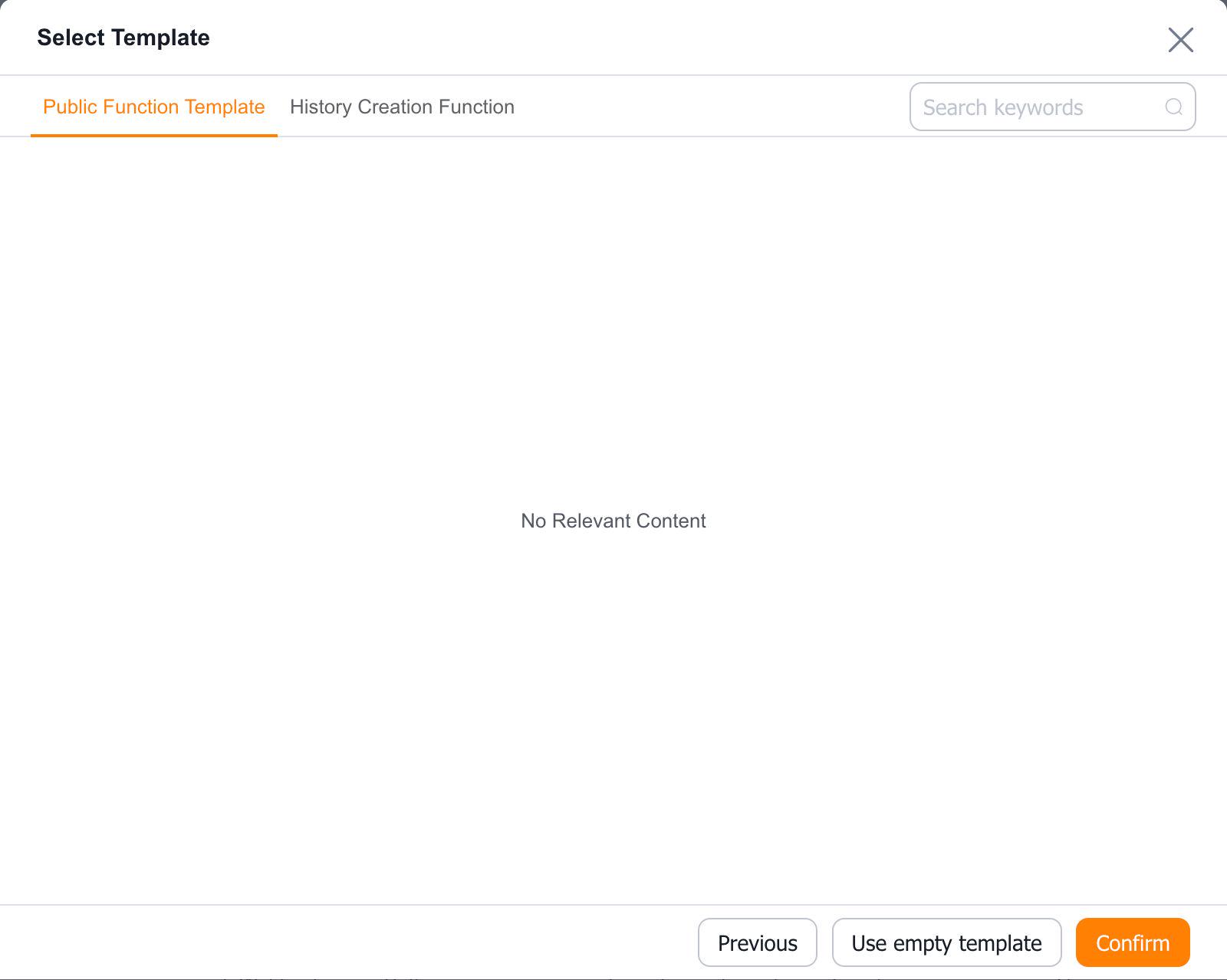
4. Select a template—use an existing template or an empty template, then click [Confirm]
5. Click [Save] to complete the function creation