English
Configuration Steps
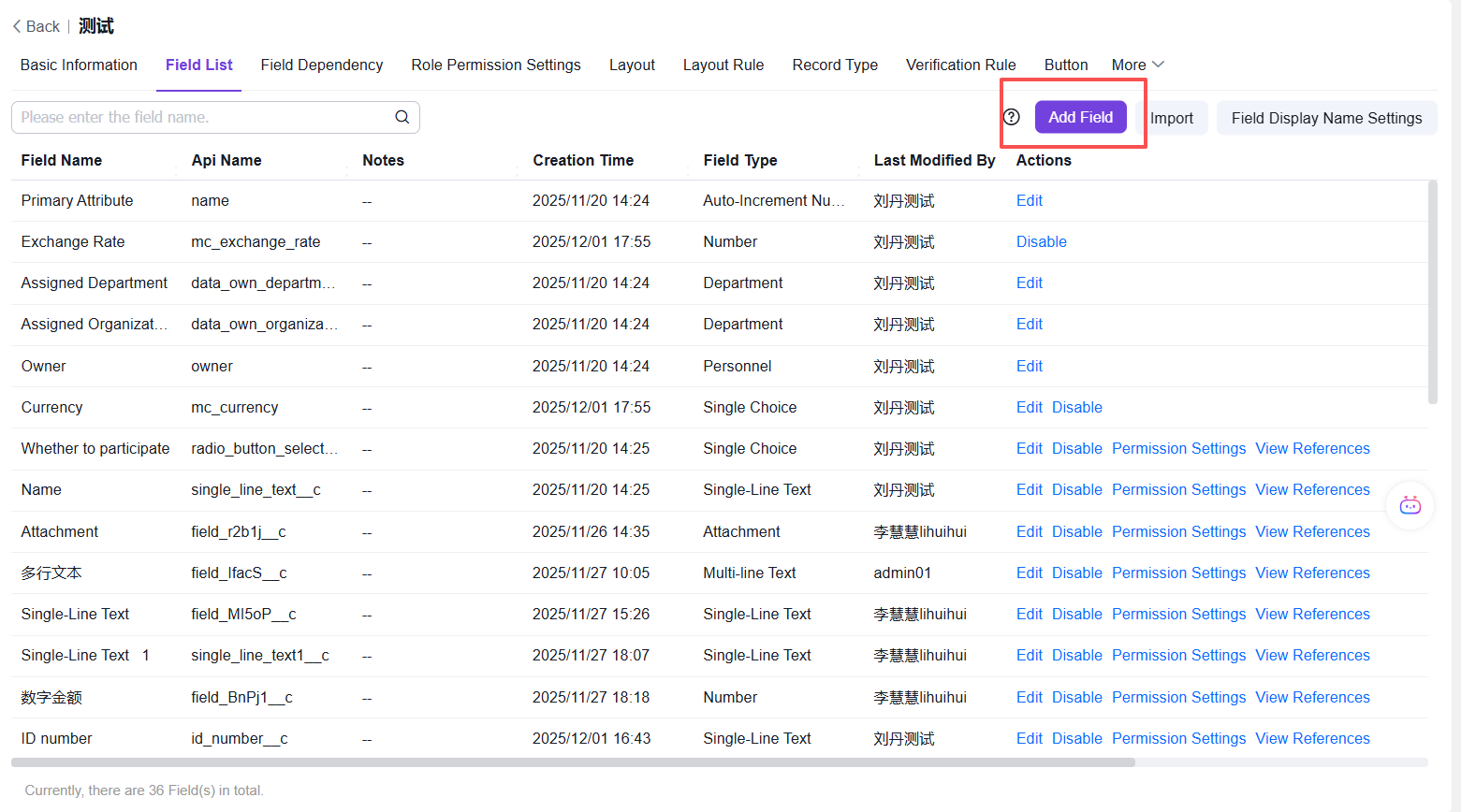
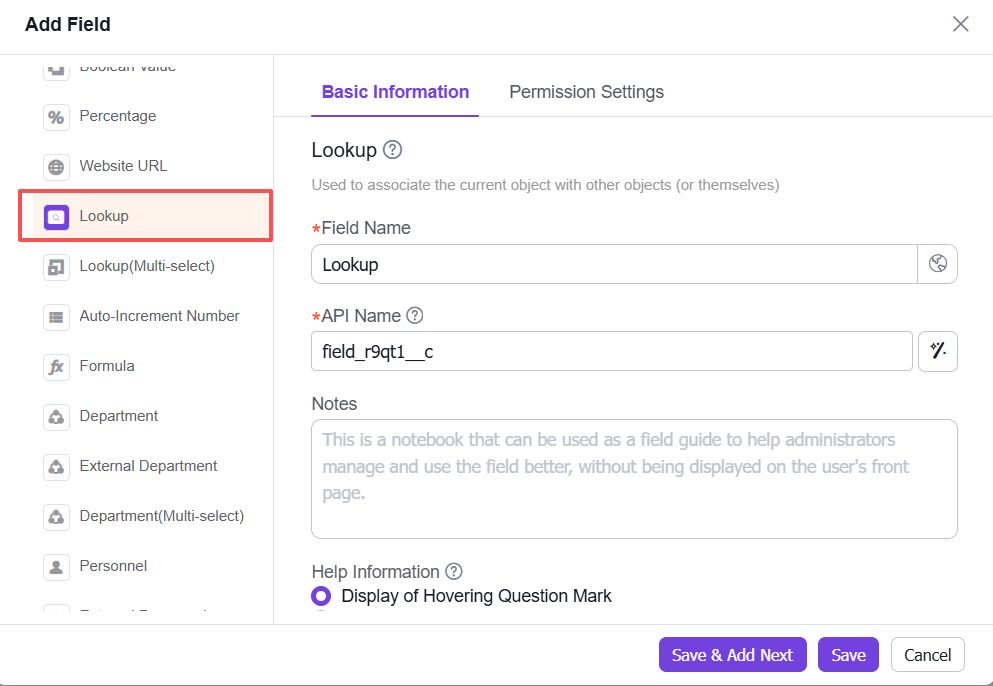
Step 1: Entry - Click [Field List] → [Add Field] → [Lookup Association] Field
Step 2: In the Selectable Data Scope, Click [Meet the Following Conditions]
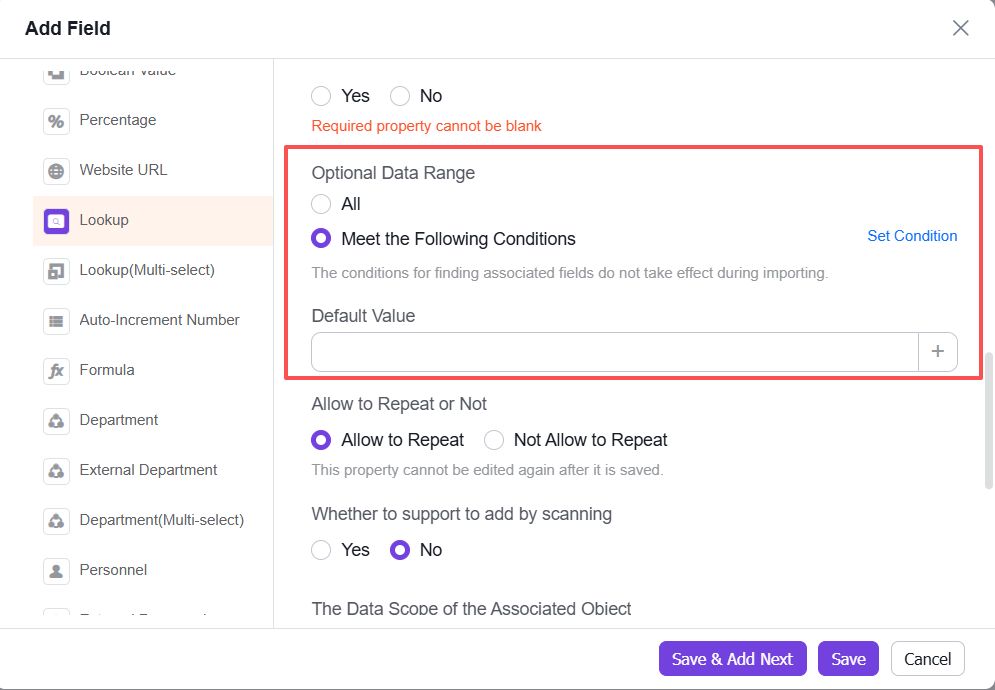
Step 3: Click [Set Conditions]
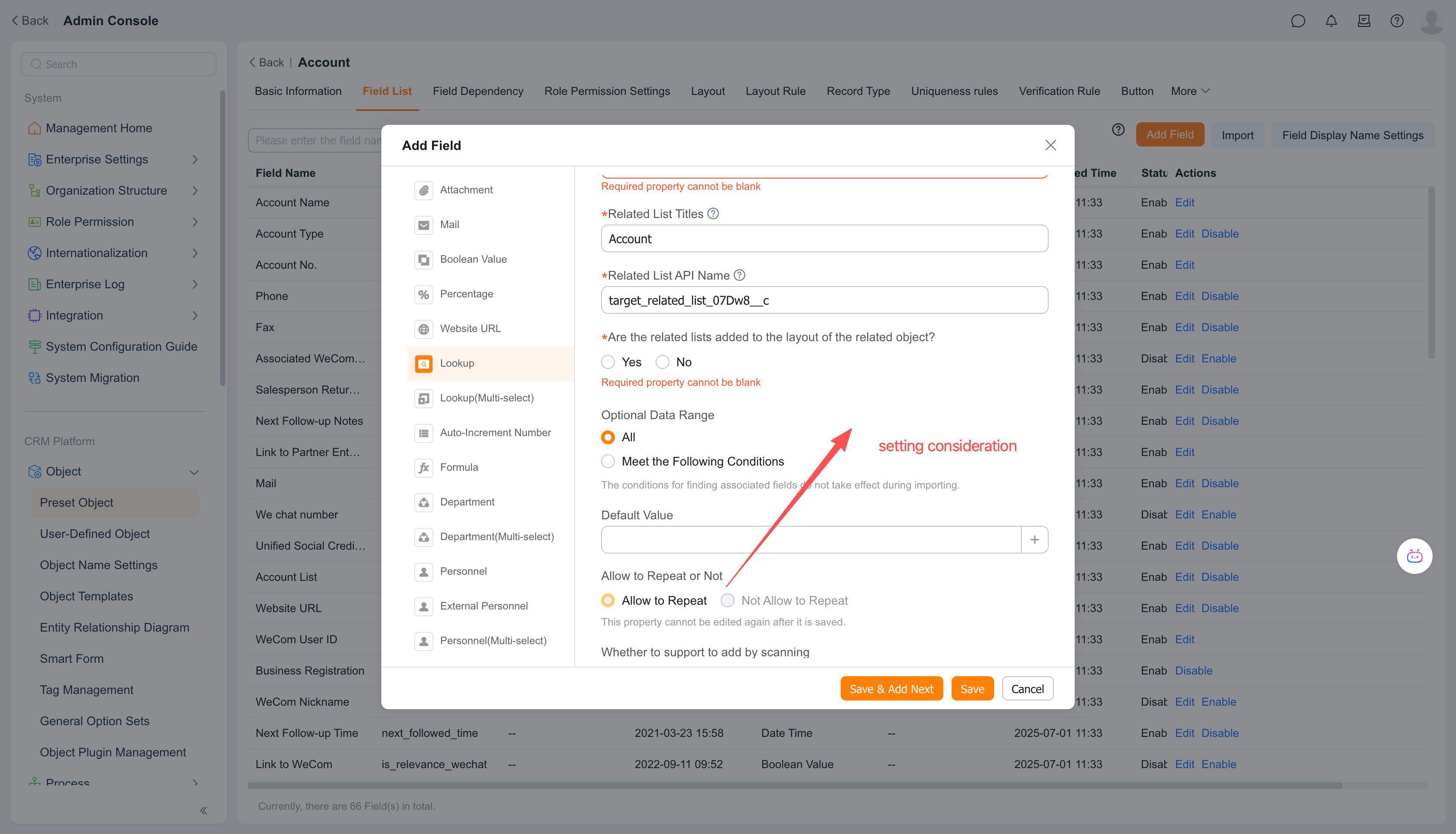
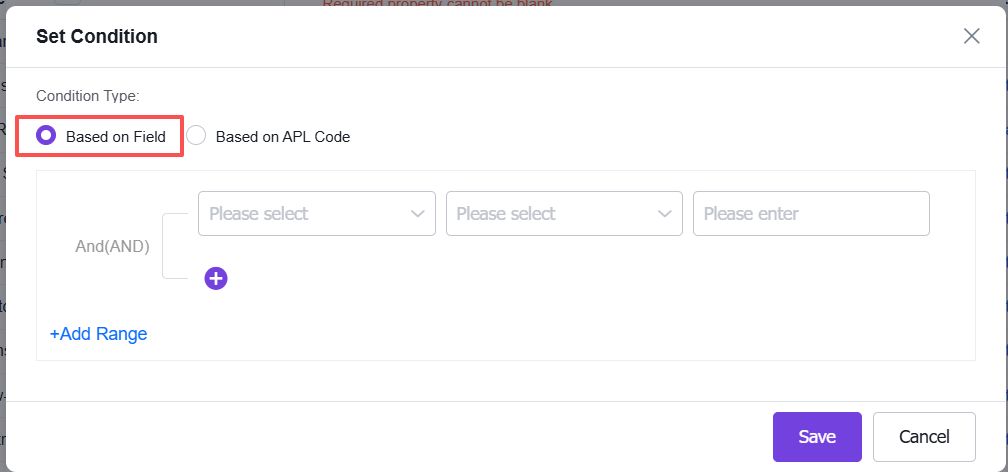
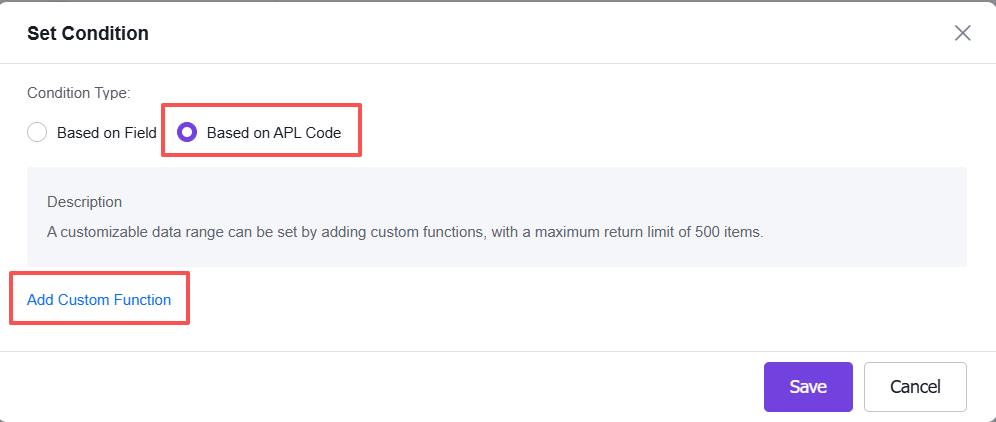
Step 4: Select [Field-Based] / [APL Code-Based] Condition Type and Configure Conditions
Field-Based Type - Set Conditions
APL Code-Based - Set Conditions - Add Custom Function
Create a new custom APL function, fill in the relevant information, and click [Next]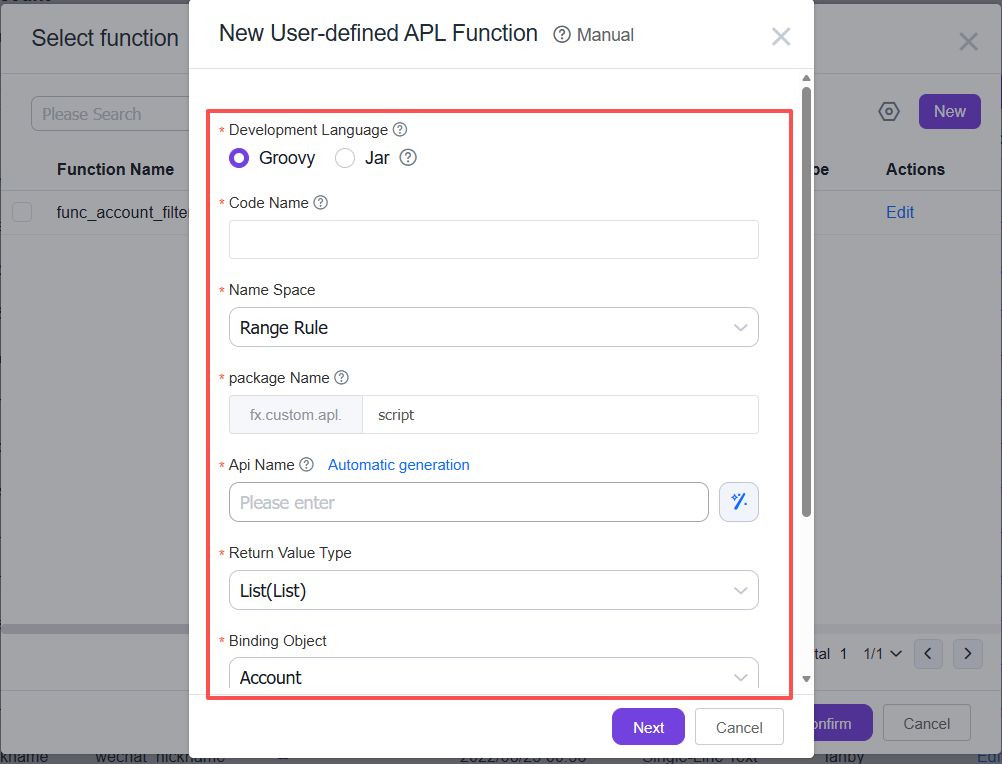
Select Template - Use a template or an empty template; Click [Confirm]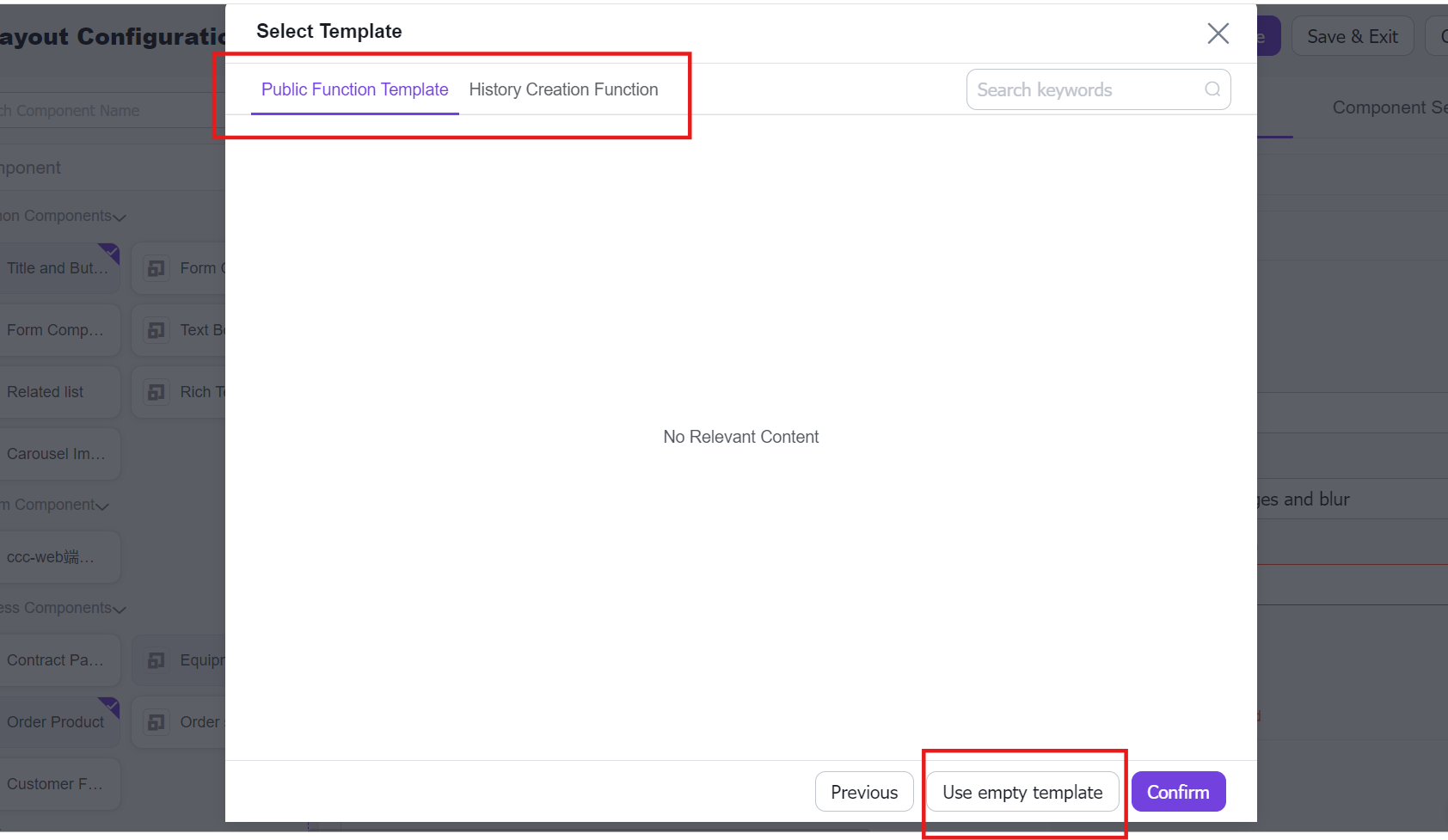
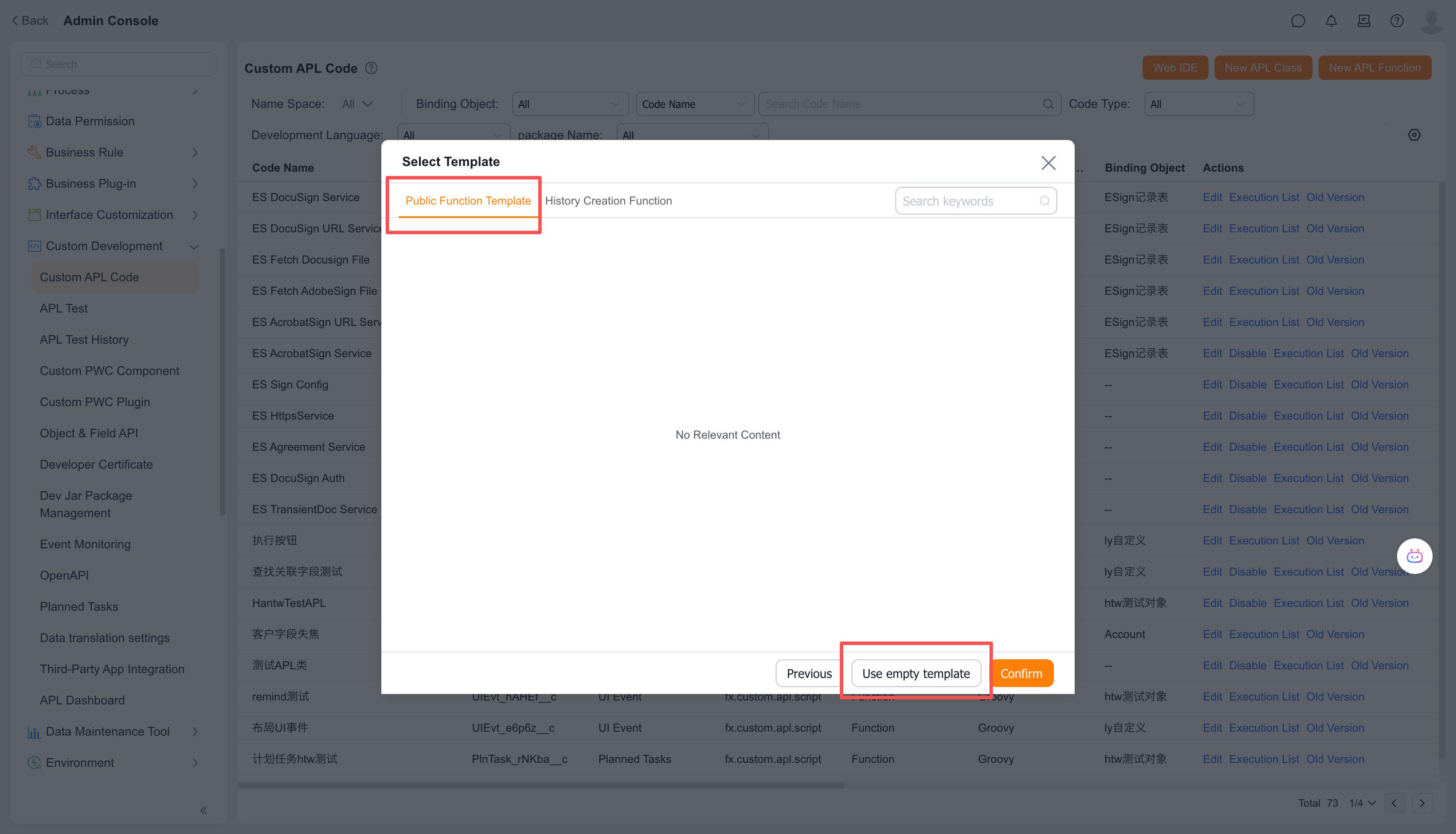
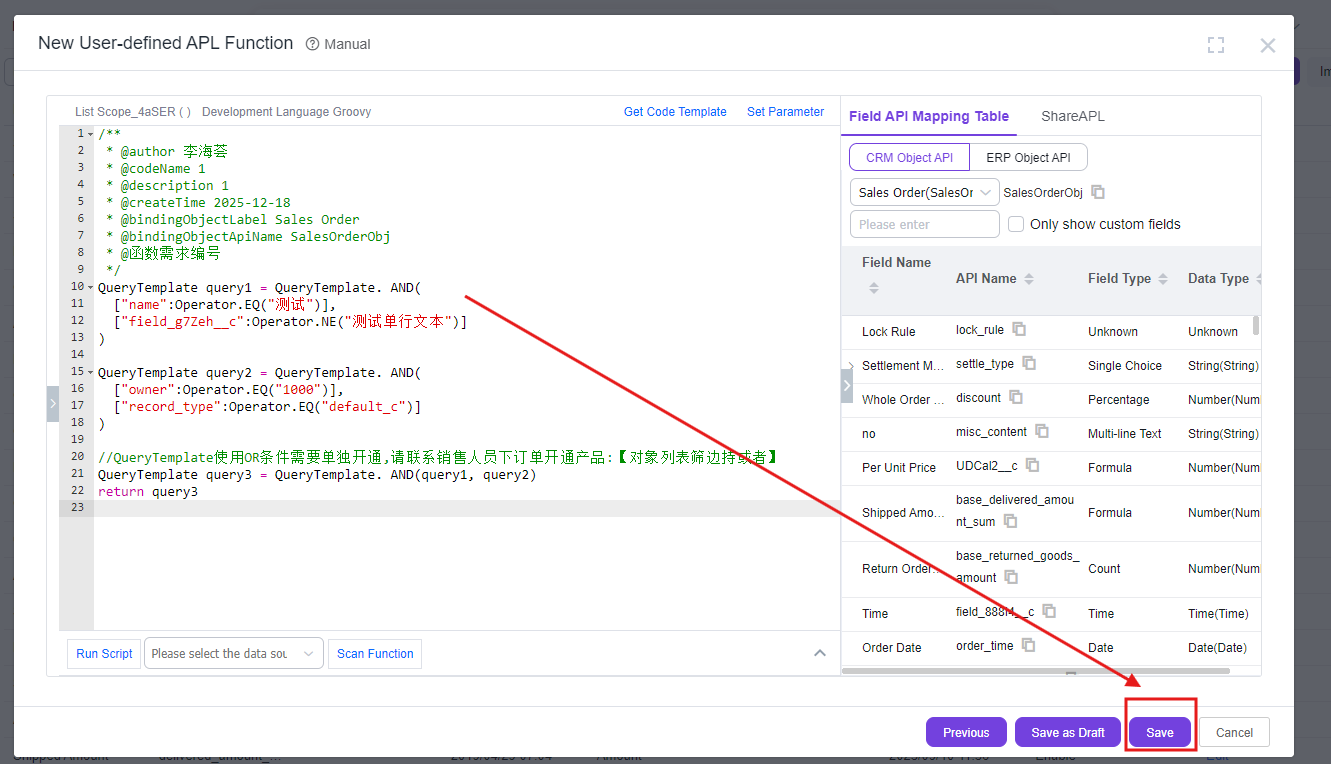
Click [Save] to complete the function creation