

English
Configuration Steps
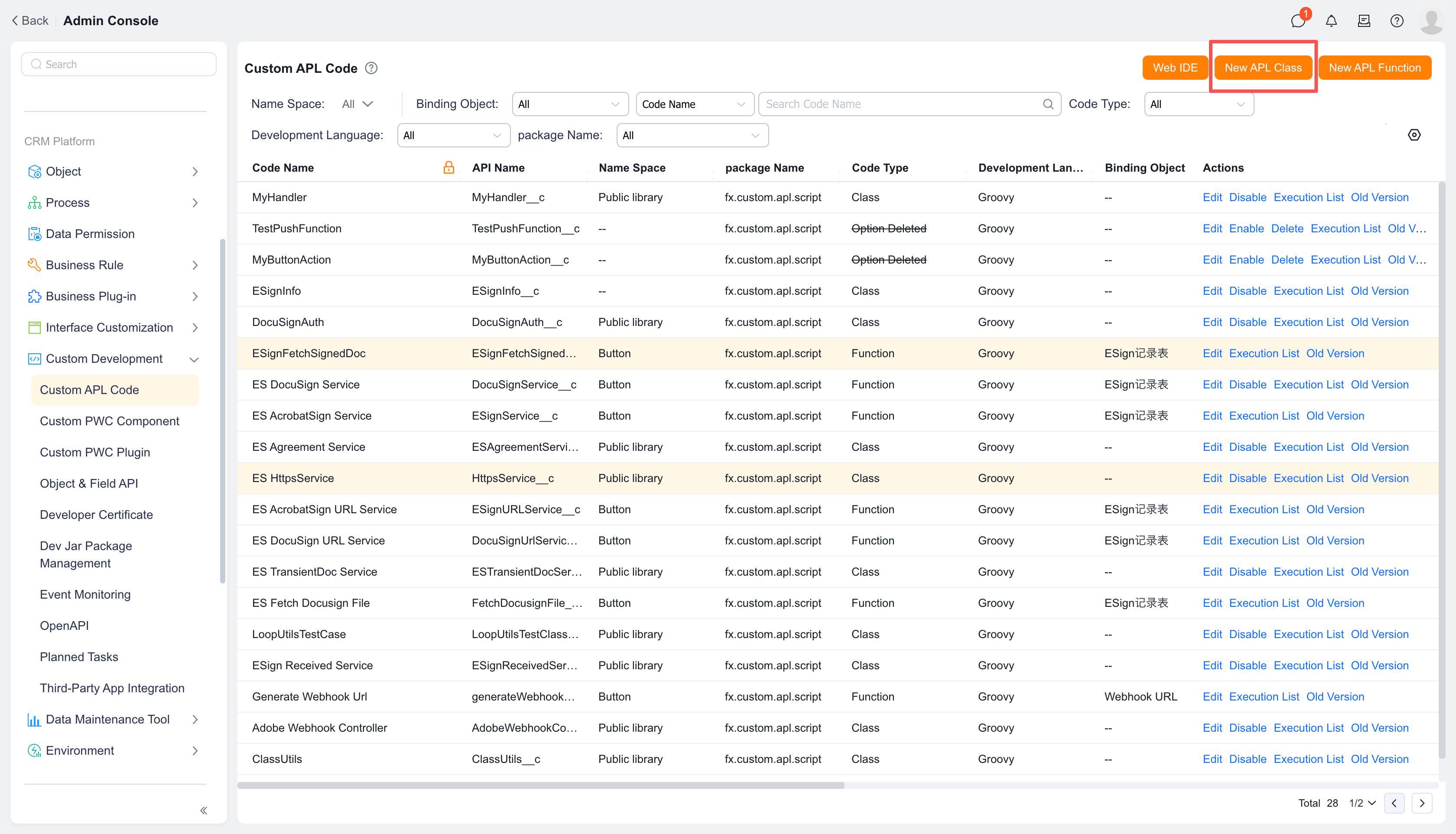
1. Click [New APL Class] at the top
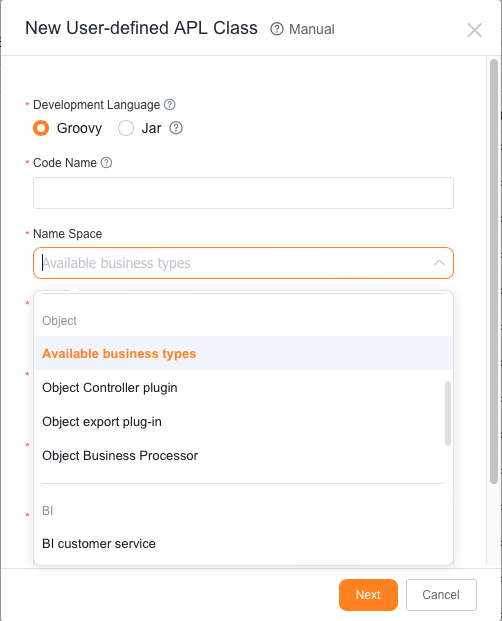
2. Select [Object Controller Plugin] as the function namespace, then complete the function name, description, and other information
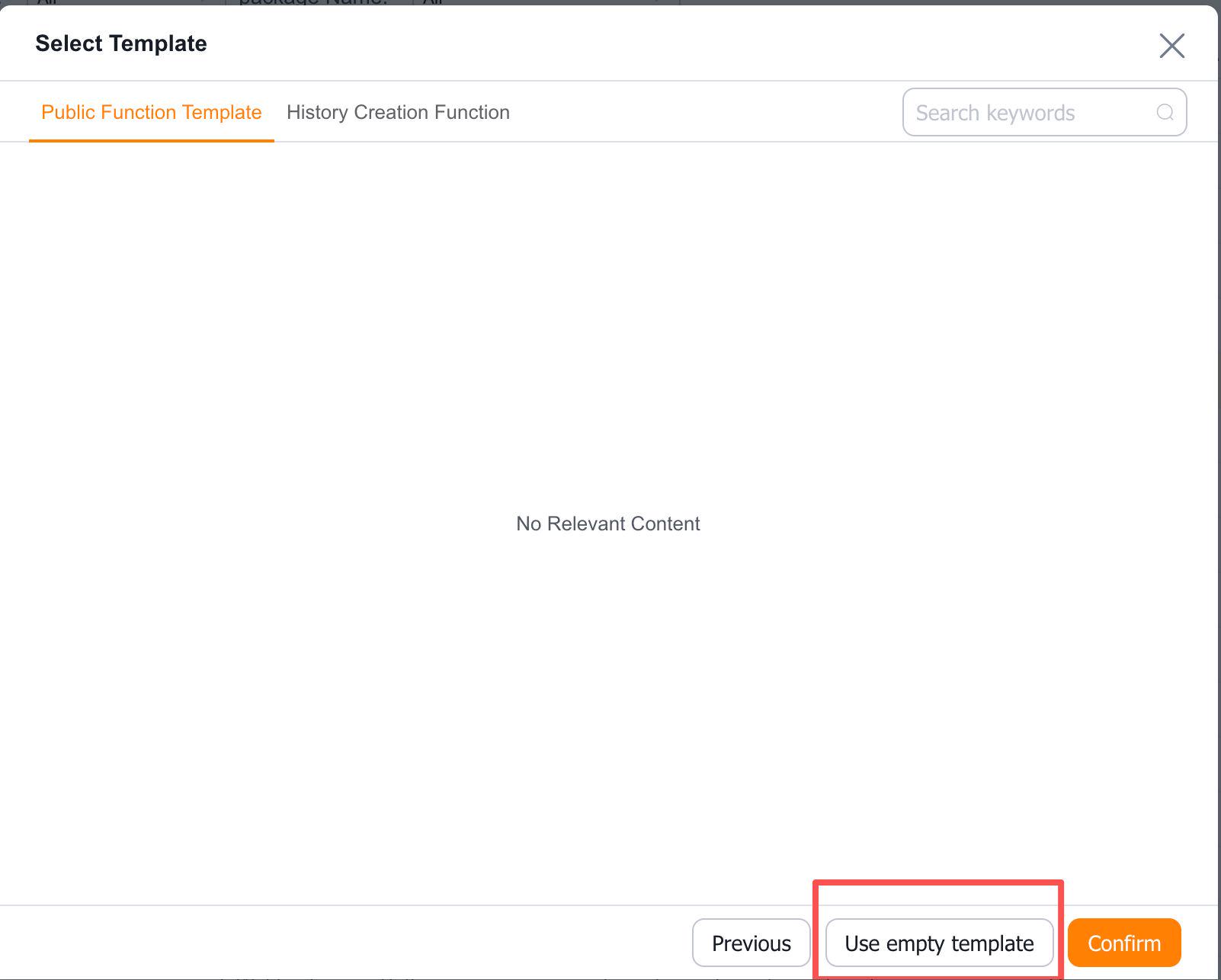
3. Select a template—use either a predefined template or an empty template, then click [OK]
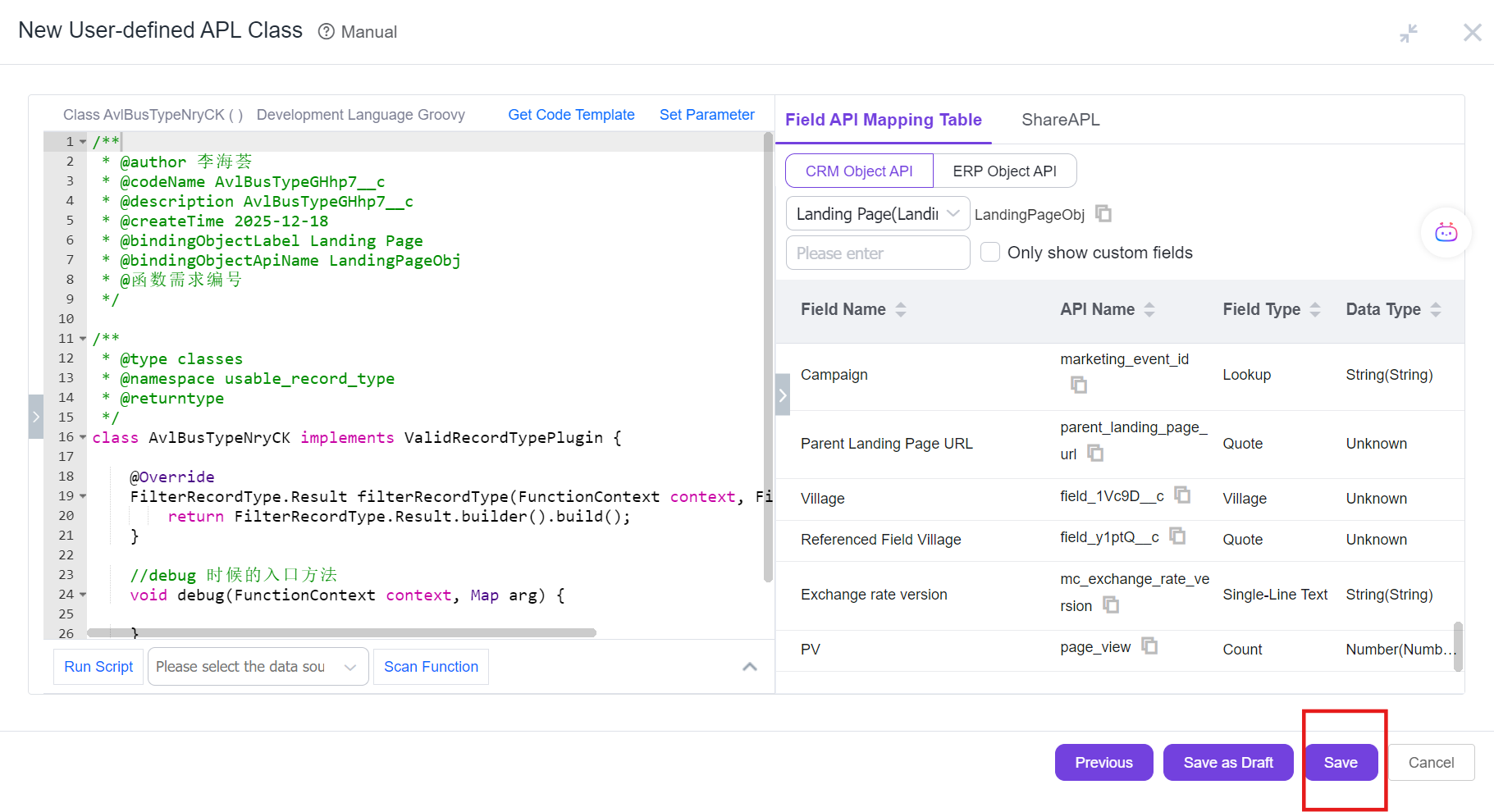
4. Click [Save] to complete the function creation
5. Obtain the function apiname and submit for approval to bind the business function
References:
Configuring Controller Function Plugin
How to Configure Filter Conditions for Lookup Association Fields in Button Parameters