

English
detail.head_info.render.before
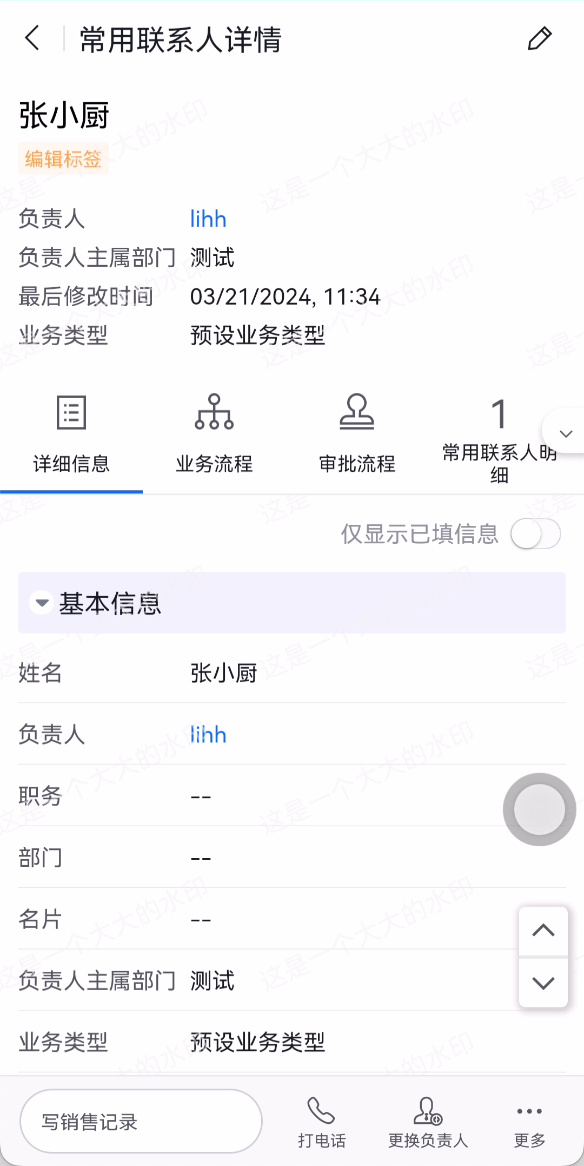
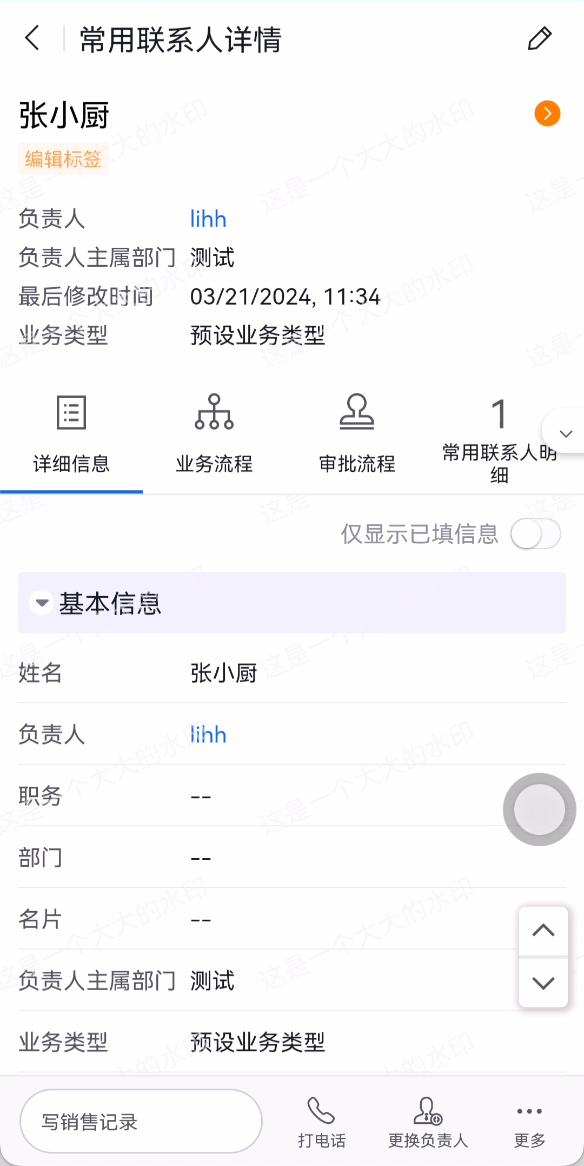
Registers a callback function that is executed before the title component of the detail page is rendered. Inside the callback, you can append icon buttons to the right side of the title component and implement other custom logic.
Event Description
- Registers a callback function that is executed before the title component of the detail page is rendered. Refreshing the detail page will also trigger the callback.
- Inside the callback, you can append icon buttons to the right side of the title component and implement other custom logic.
apply() {
  return [
    {
      event: 'detail.head_info.render.before',
      functional: function (pluginExecResult, options) {
        // Logic to execute before the title component of the detail page is rendered
        console.log('custom plugin: detail.head_info.render.before exec')
      }
    }
  ]
}
Parameters
For the common event parameters pluginExecResult and options, refer to the corresponding documentation.
Description of the options-specific properties in this event
| Property | Description | Type |
|---|---|---|
| buttons | Original button array in the title component of the detail page | Array |
{
  event: 'detail.head_info.render.before',
  functional: function (pluginExecResult, options) {
    // Logic to execute before the title component of the detail page is rendered
    console.log('custom plugin: ', options.buttons)
  }
}
Return Value
| Field | Description | Type |
|---|---|---|
| buttons | Button array used to render the title component of the detail page | Array |
{
  event: 'detail.head_info.render.before',
  functional: function (pluginExecResult, options) {
    // Logic to execute before the title component of the detail page is rendered
    const buttons = [
      {
        icon: '', // icon name of the icon button
        style: '', // style of the icon button
        onClick () { // click event of the icon button
          // do something......
        }
      },
      ......
    ]
    return {
      buttons // button array used to render the title component of the detail page
    }
  }
}
Sample Code
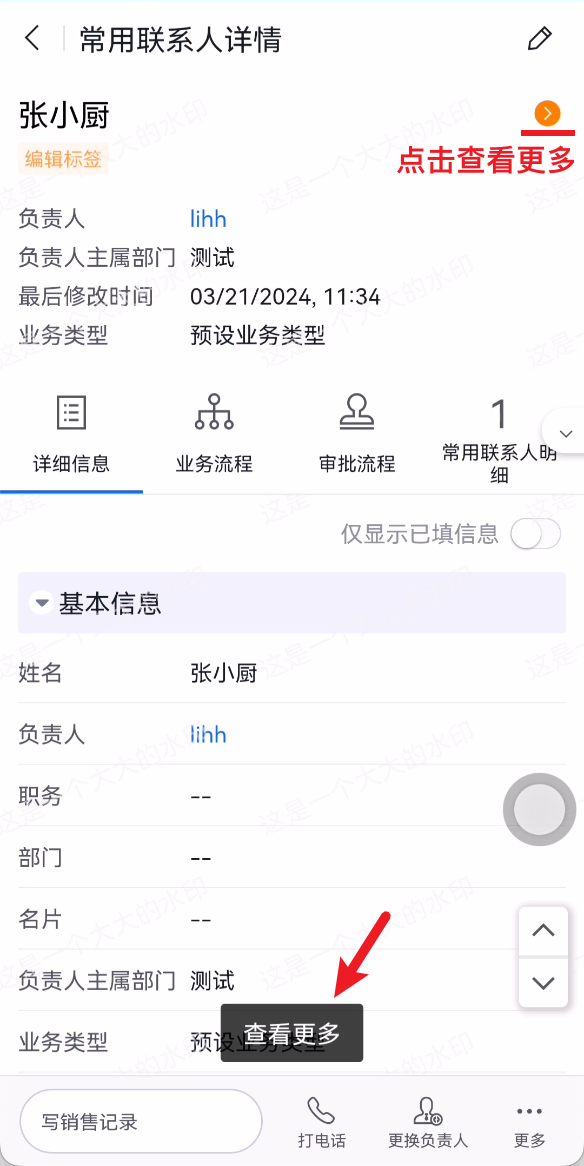
Append an icon button to the right side of the title component and show a Toast when clicked.
{
  event: 'detail.head_info.render.before',
  functional: function (pluginExecResult, options) {
    // Logic to execute before the title component of the detail page is rendered
    options.buttons = options.buttons.concat(
      {
        icon: 'tuanduigengduo',
        style: 'color: #FF8000;',
        onClick () {
          pluginExecResult.api.showToast('View More')
        }
      }
    )
    return {
      buttons: options.buttons
    }
  }
}