

简体中文
detail.head_info.render.before
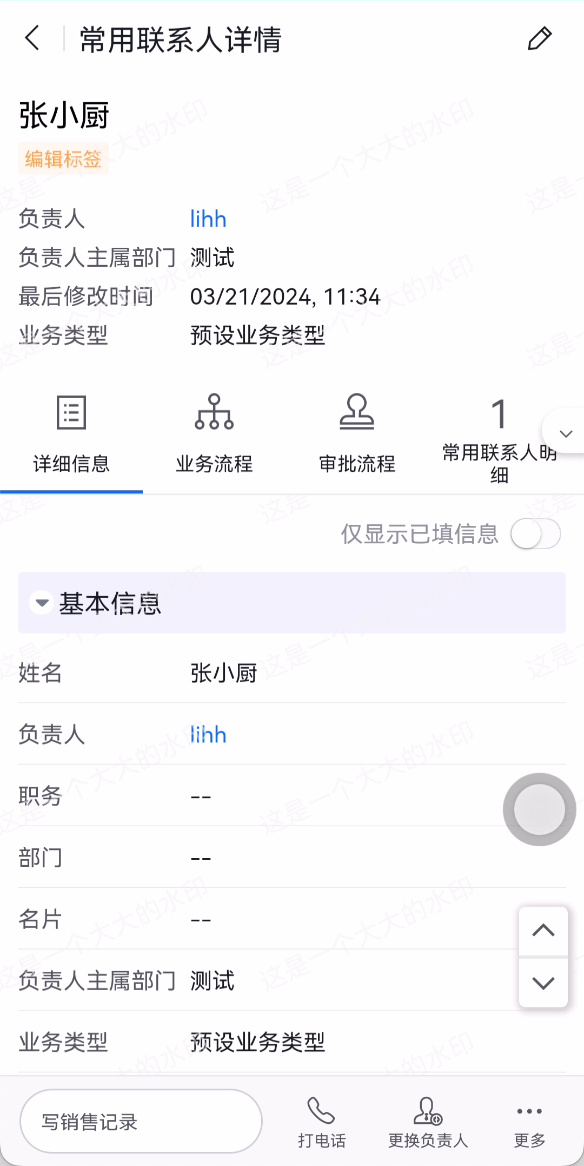
注册一个回调函数,在详情页标题组件渲染之前执行;回调函数内可以给标题组件右侧追加图标按钮以及其他定制逻辑。
事件说明
- 注册一个回调函数,在详情页标题组件渲染之前执行,刷新详情页也会触发回调函数。
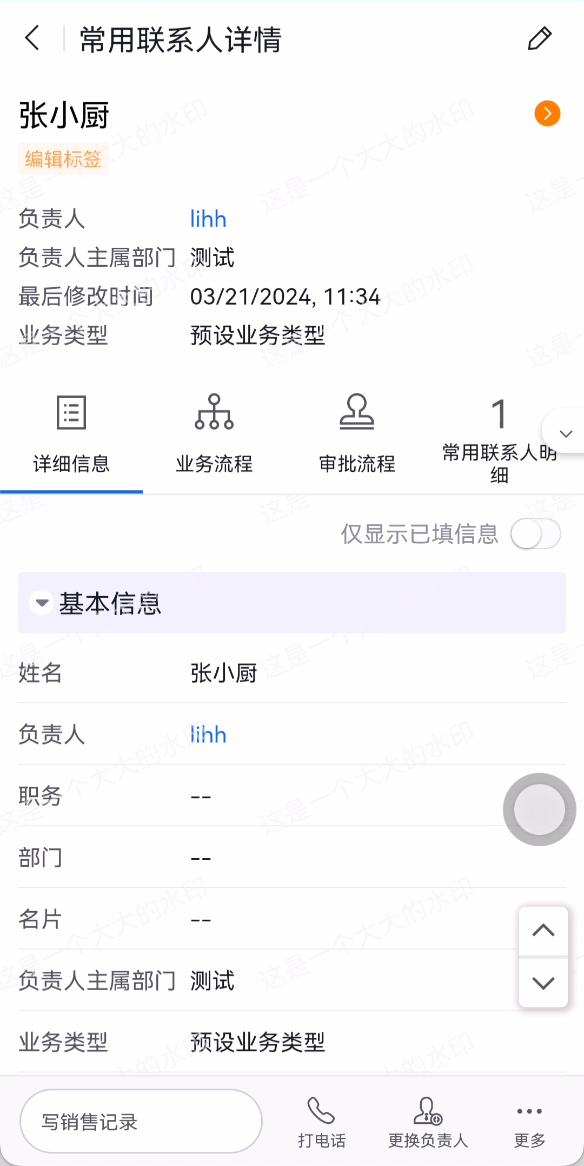
- 回调函数内可以给详情页标题组件右侧追加图标按钮以及其他定制逻辑等。
apply() {
  return [
    {
      event: 'detail.head_info.render.before',
      functional: function (pluginExecResult, options) {
        // 详情页标题组件渲染之前要执行的逻辑
        console.log('custom plugin: detail.head_info.render.before exec')
      }
    }
  ]
}
参数
事件通用参数 pluginExecResult、options 请参考相关文档
该事件中options参数特有属性说明
| 属性 | 说明 | 类型 |
|---|---|---|
| buttons | 详情页标题组件中原有的按钮数组 | Array |
{
  event: 'detail.head_info.render.before',
  functional: function (pluginExecResult, options) {
    // 详情页标题组件渲染之前要执行的逻辑
    console.log('custom plugin: ', options.buttons)
  }
}
返回结果
| 字段 | 说明 | 类型 |
|---|---|---|
| buttons | 渲染详情页标题组件的按钮数组 | Array |
{
  event: 'detail.head_info.render.before',
  functional: function (pluginExecResult, options) {
    // 详情页标题组件渲染之前要执行的逻辑
    const buttons = [
      {
        icon: '', // 图标按钮的图标名称
        style: '', // 图标按钮样式
        onClick () { // 图标按钮点击事件
          // do something......
        }
      },
      ......
    ]
    return {
      buttons // 渲染详情页标题组件的按钮数组
    }
  }
}
示例代码
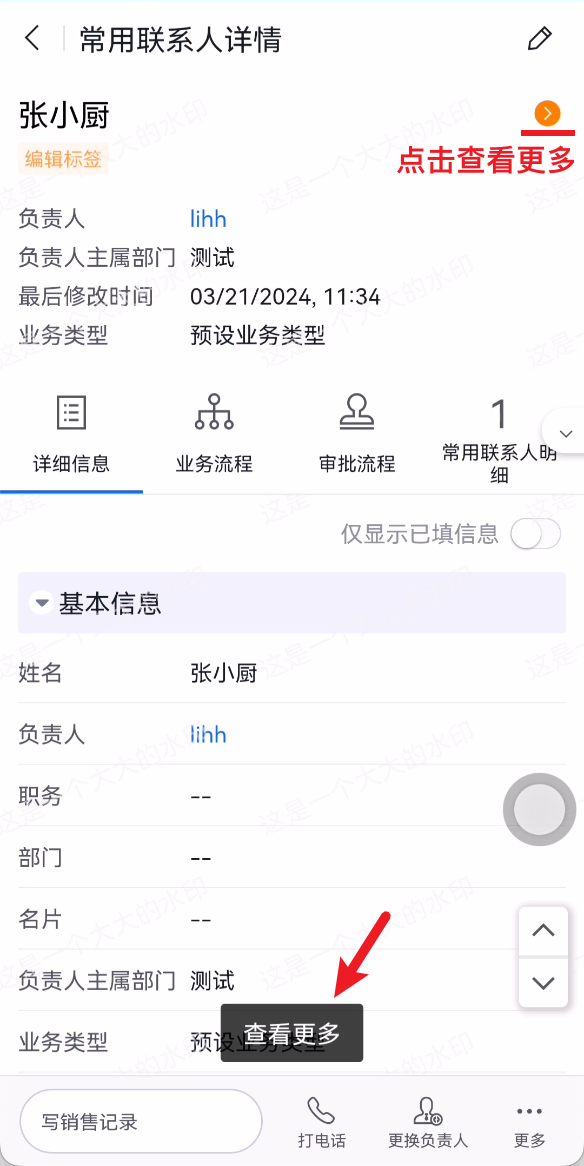
给详情页标题组件右侧追加图标按钮,并点击展示Toast
{
  event: 'detail.head_info.render.before',
  functional: function (pluginExecResult, options) {
    // 详情页标题组件渲染之前要执行的逻辑
    options.buttons = options.buttons.concat(
      {
        icon: 'tuanduigengduo',
        style: 'color: #FF8000;',
        onClick () {
          pluginExecResult.api.showToast('查看更多')
        }
      }
    )
    return {
      buttons: options.buttons
    }
  }
}