

English
detail.detailList.fetchList.after
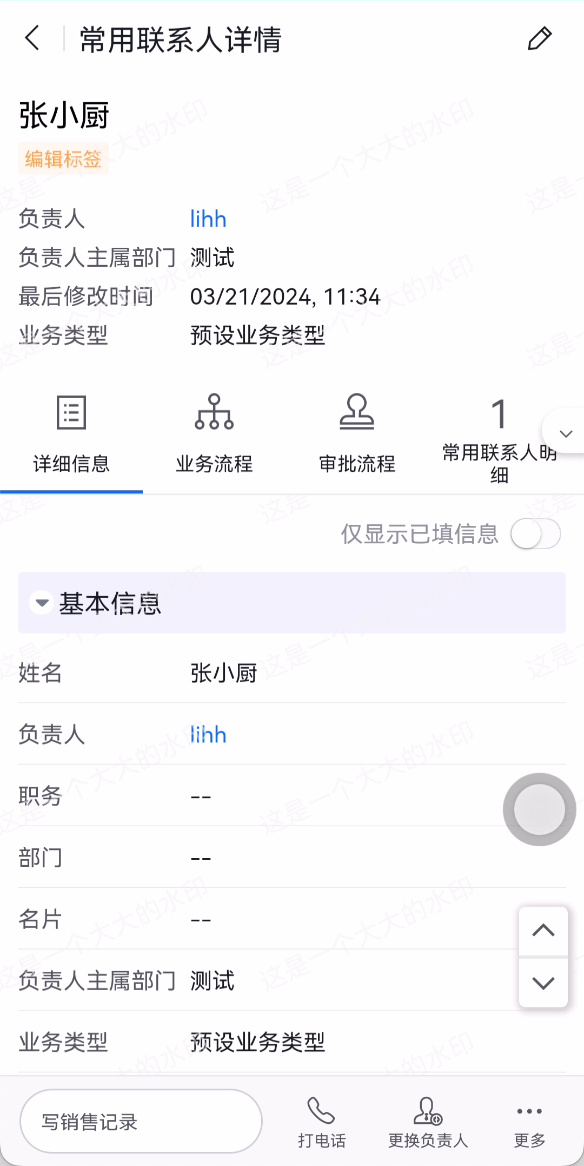
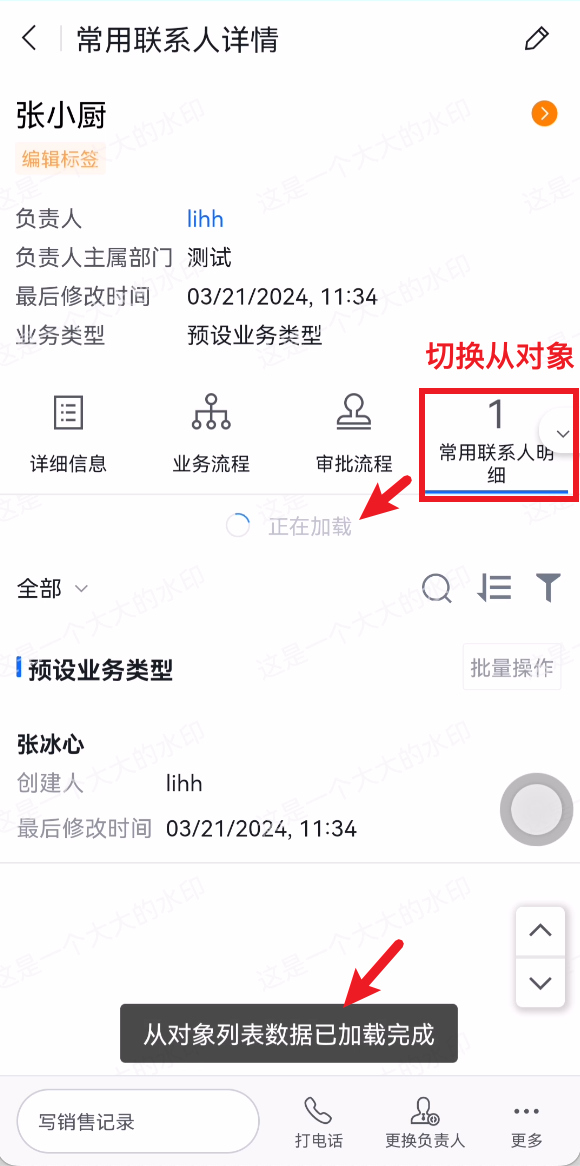
Registers a callback function that is executed after the list data of a related object list on the detail page is obtained. Inside the callback, you can process the related object list data and implement other custom logic.
- Registers a callback function that is executed after the list data of a related object list on the detail page is obtained. Refreshing the detail page will also trigger the callback.
- Inside the callback, you can process the related object list data and implement other custom logic.
apply() {
  return [
    {
      event: 'detail.detailList.fetchList.after',
      functional: function (pluginExecResult, options) {
        // Logic to execute after the related object list data on the detail page has finished loading
        console.log('custom plugin: detail.detailList.fetchList.after exec')
      }
    }
  ]
}
Parameters
For the common event parameters pluginExecResult and options, refer to the corresponding documentation.
Description of the options-specific properties in this event
| Property | Description | Type |
|---|---|---|
| listObjectApiName | apiName of the current list object | String |
| listRst | Complete data of the list data interface. It can be modified directly inside the plugin, and subsequent logic can use the modified data. | Object |
{
  event: 'detail.detailList.fetchList.after',
  functional: function (pluginExecResult, options) {
    // Logic to execute after the related object list data on the detail page has finished loading
    console.log('custom plugin: ', options.listRst)
  }
}
Return Value
There is no specific return value.
Code Example
Notify the user after the related object list data has finished loading.
{
  event: 'detail.detailList.fetchList.after',
  functional: function (pluginExecResult, options) {
    // Logic to execute after the related object list data on the detail page has finished loading
    pluginExecResult.api.showToast('The related object list data has finished loading')
  }
}