

English
Quick Start
This guide uses a pre-list-render processing example to show how to create, configure, and verify an OrderPass product list JS plugin.
Create a Custom Plugin
Log in to the admin console of Fenxiang Sales.
In the left navigation, click Admin Console -> Custom PWC Plugin to open the custom plugin management page.
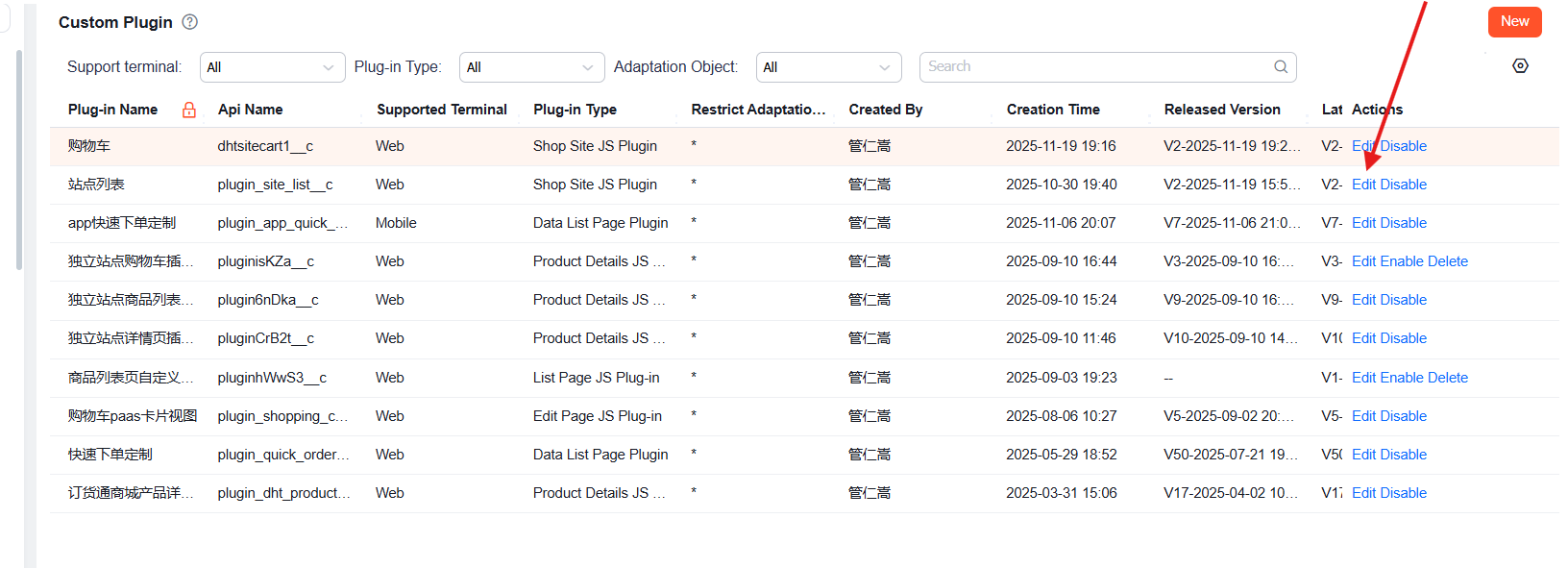
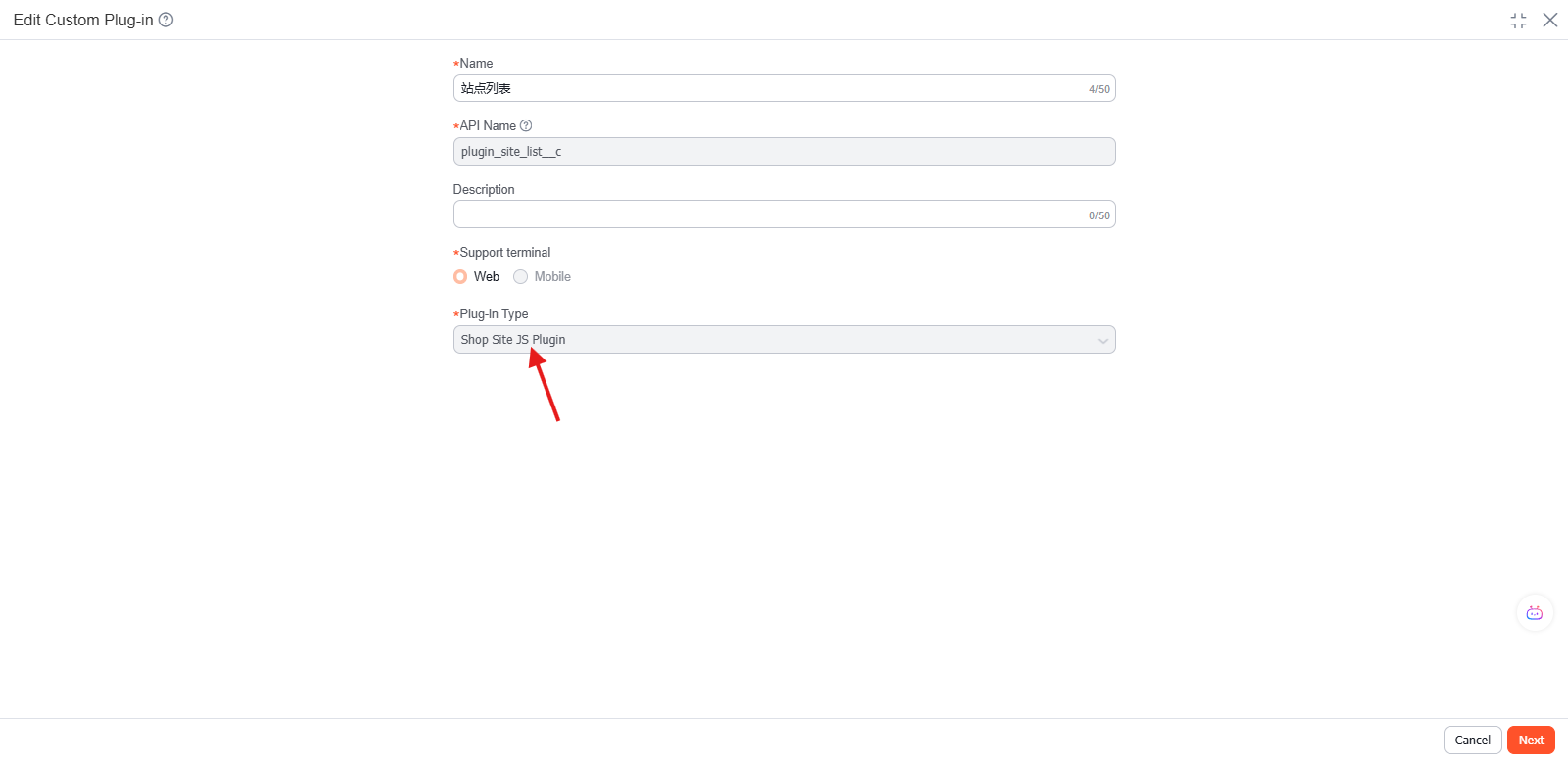
Click New, fill in Name, Supported Terminal, and Plugin Type, select Mall Site JS Plugin, click Next, use the Empty Template, import the required code files, select the entry file, and click Publish.
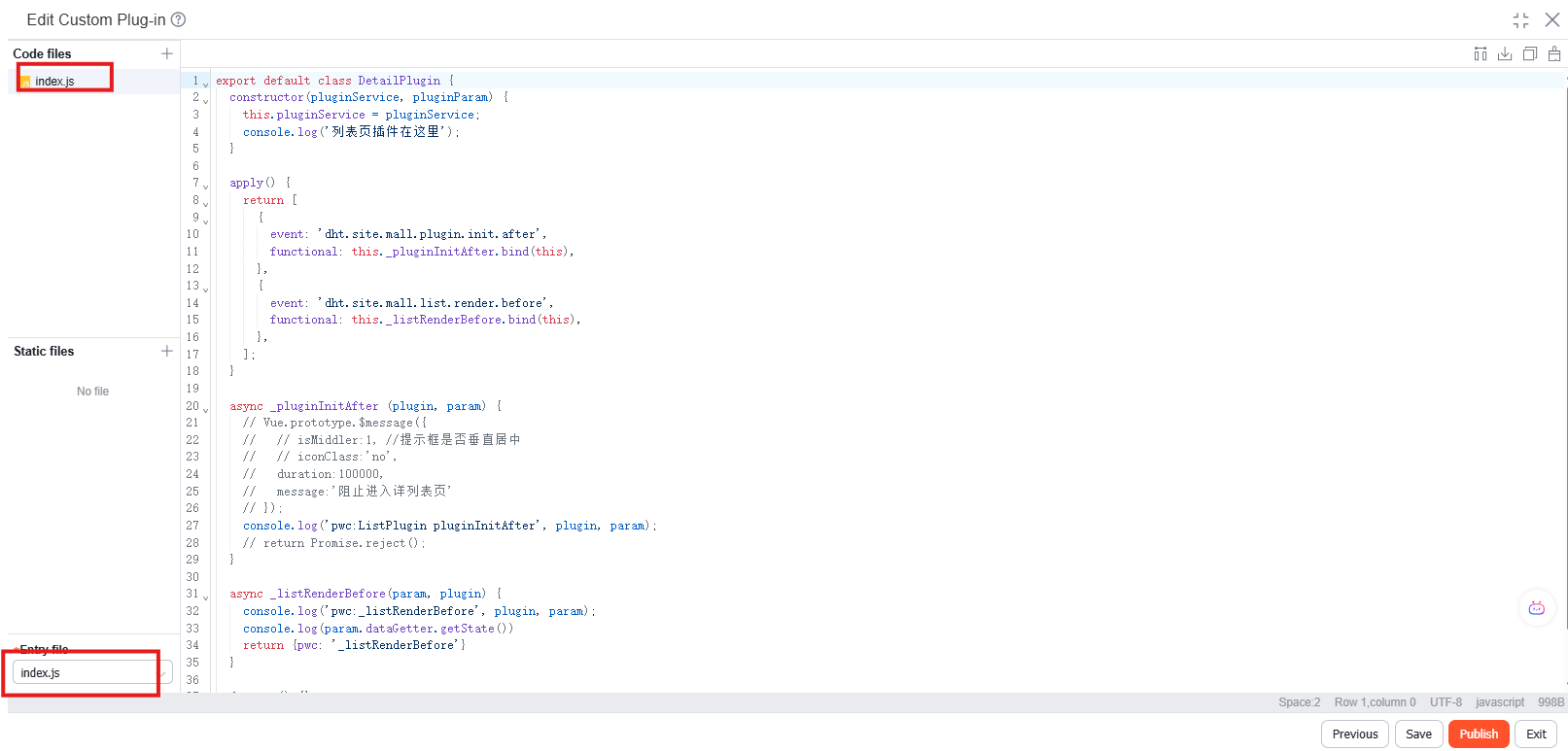
index.js:
export default class DetailPlugin {
    constructor(pluginService, pluginParam) {
        this.pluginService = pluginService;
        console.log("List page plugin is here");
    }

    apply() {
        return [
            {
                event: "dht.site.mall.plugin.init.after",
                functional: this._pluginInitAfter.bind(this),
            },
            {
                event: "dht.site.mall.list.render.before",
                functional: this._listRenderBefore.bind(this),
            },
        ];
    }

    async _pluginInitAfter(plugin, param) {
        console.log("pwc:ListPlugin pluginInitAfter", plugin, param);
        // return Promise.reject();
    }

    async _listRenderBefore(param, plugin) {
        console.log("pwc:_listRenderBefore", plugin, param);
        console.log(param.dataGetter.getState());
        return { pwc: "_listRenderBefore" };
    }

    destroy() {}
}
Configure the Custom Plugin
Go to Order Management -> Mall Settings -> Independent Site, and open the Web Site page.
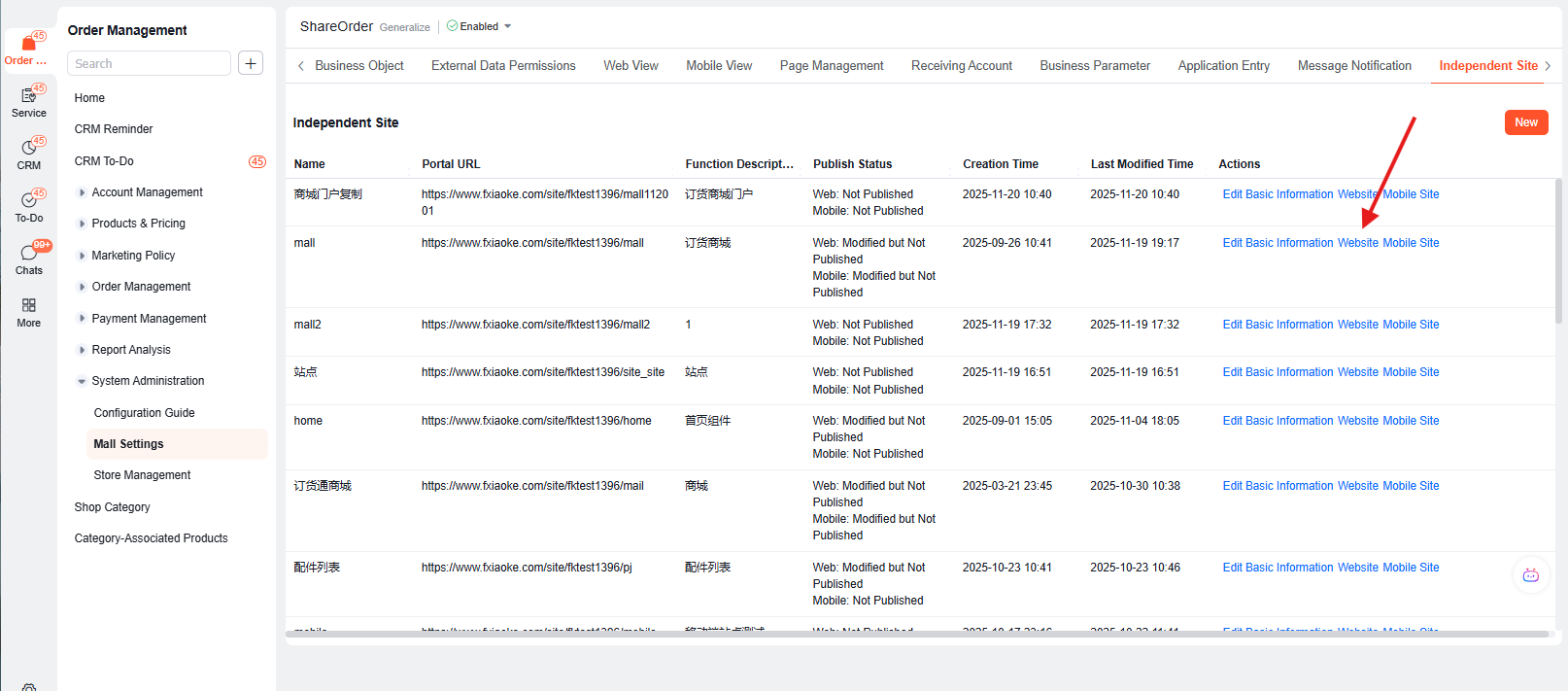
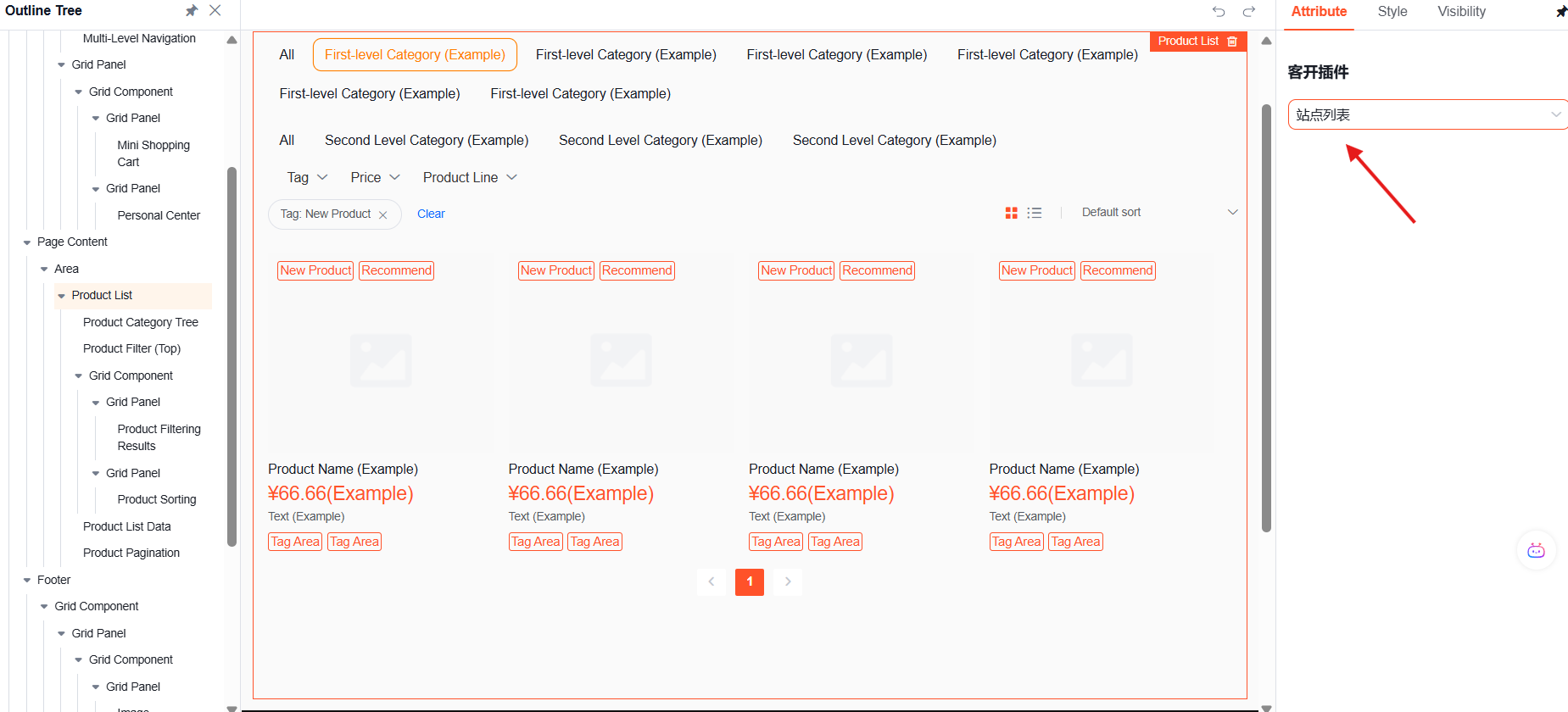
Click the outer Product List Container, select the published JS plugin in Custom Plugin on the right panel, and save.
Verify the Result
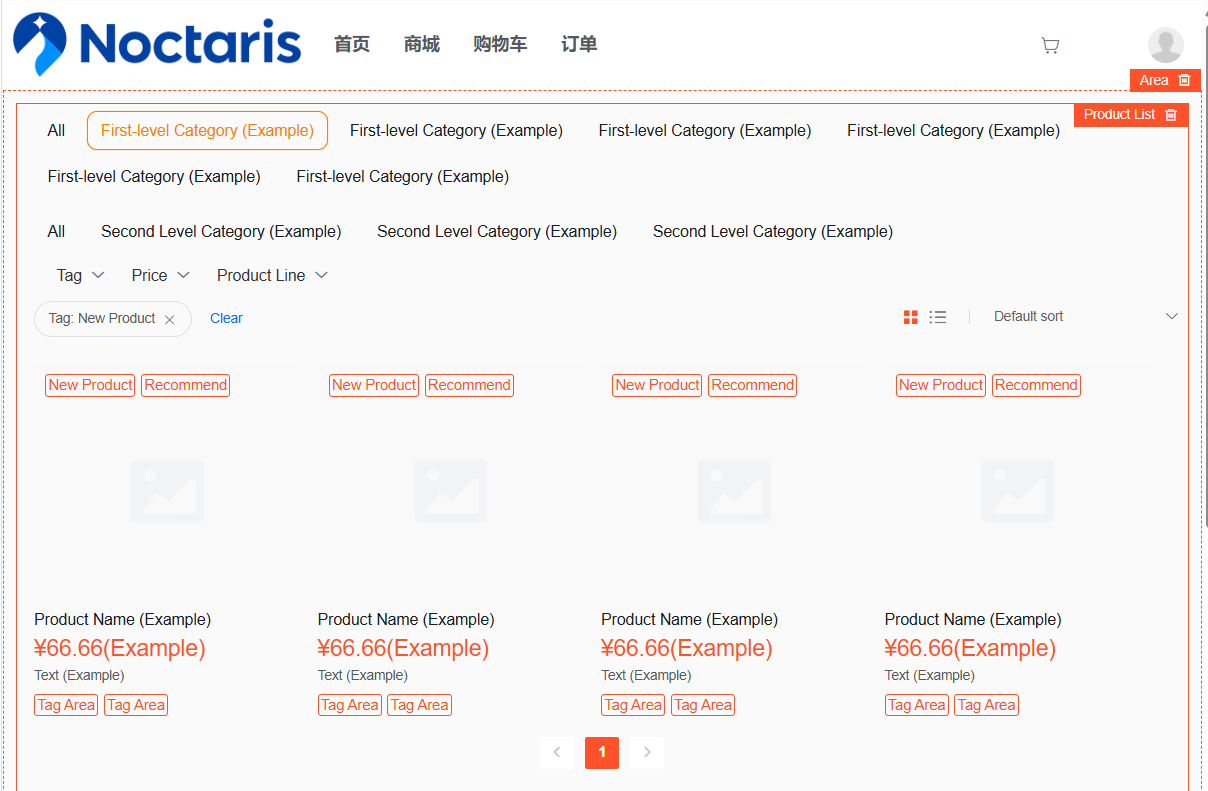
Open the downstream OrderPass product list page to verify extensions for list data, product cards, category components, or list actions.
Events
| Event | Description |
|---|---|
| dht.site.mall.plugin.init.after | Runs global initialization logic after the plugin system is initialized |
| dht.site.mall.list.render.before | Modifies request parameters, processes response data, replaces components, or customizes action handling before list rendering |
| dht.site.mall.list.render.after | Runs analytics, DOM operations, event binding, and other logic after the list renders |
| dht.site.mall.category.render.before | Customizes category data requests or replaces category components before category rendering |